How to spot scam and phishing sites before you tap
Signs of fake bank login pages, fake delivery texts and account-locked scares. How to read a domain, block it with GreenTunnel and report it.
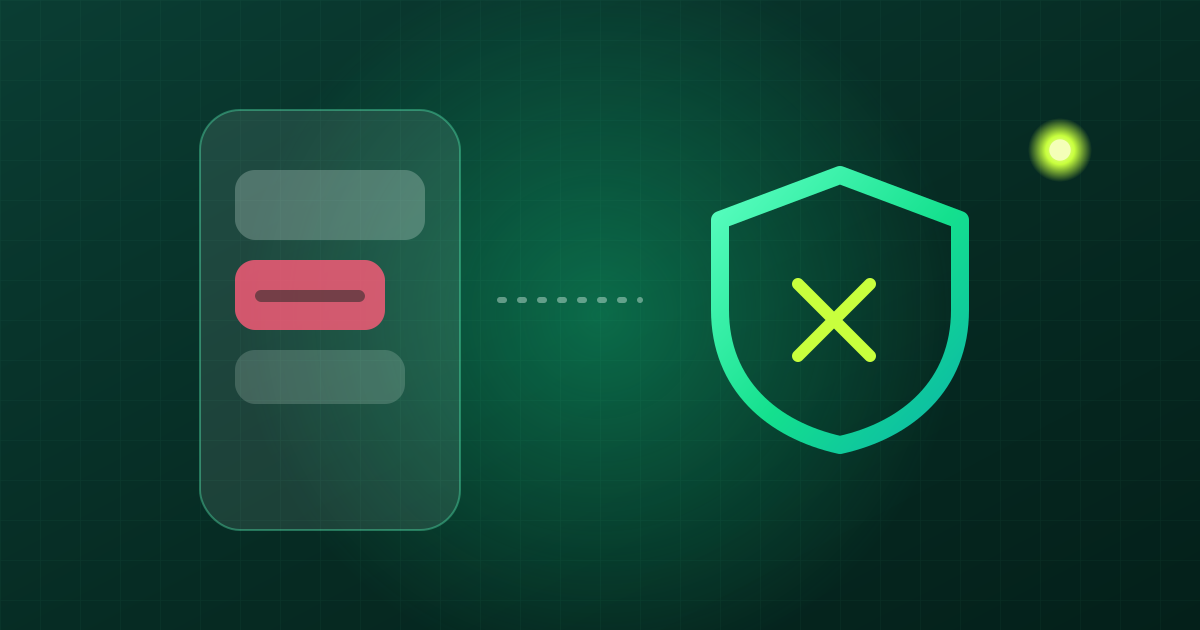
Online scams keep getting more convincing. Fake pages look exactly like real ones, texts show a familiar brand as the sender, and the wording is urgent so you act before you think. No tool can block every scam site, so your own checking habit is still the most important layer. This post covers the common signs, how to read a domain, what GreenTunnel can do, and where to report.
Common scams
Fake bank login pages
Scammers copy a bank's online banking page and send the link by SMS, Zalo, Messenger or email. You enter your username and password, then the page asks for an OTP. That code goes straight to the scammer, who logs in for real and moves your money. It can all happen within minutes.
Fake delivery texts
"Your parcel could not be delivered because of a wrong address. Please update it at this link…". The fake page may ask for a small "redelivery fee" and a card number. It works because almost everyone is waiting for some parcel.
"Your account has been locked"
A message says your bank, e-wallet or social account is about to be locked and you must "verify" within 24 hours. The tight deadline is deliberate, to make you act before checking.
Fake government and utility notices
Unpaid electricity or water bills, tax refunds, ID updates or traffic fines, with a link or a request to install an unfamiliar app. Public agencies don't ask you to install apps from a link in a text message.
How to read a link's domain
The domain is the part after https:// and before the first single /. What matters most is the end of the domain, right before that /. That tells you who really owns the site. The examples below use a made-up bank, examplebank.vn:
| Link | Real owner | Verdict |
|---|---|---|
https://examplebank.vn/login | examplebank.vn | The official domain |
https://ebank.examplebank.vn/ | examplebank.vn | A subdomain of the real site |
https://examplebank.vn.verify-now.top/ | verify-now.top | Fake. The bank name is just a prefix |
https://examplebank-vn.com/ | examplebank-vn.com | Fake. Extra dash, different ending |
https://exarnplebank.vn/ | exarnplebank.vn | Fake. "rn" looks like "m" |

Other warning signs
- Short links or QR codes stuck up in public places: you can't see the real domain before it opens.
- Domains starting with
xn--: these contain special characters, sometimes letters from another alphabet that look like Latin ones. - The page asks for too much: password, OTP, card number and a photo of your ID all at once. Real sites rarely do that.
- The HTTPS padlock only means the connection to that exact domain is encrypted. Scam sites get free HTTPS certificates like everyone else.
- A freshly registered domain: you can look it up with a WHOIS service. A bank's domain is usually years old, while a scam domain is often only days old.
What GreenTunnel can do
GreenTunnel doesn't know by itself which sites are scams. But it gives you tools to block domains you've spotted and to see where your apps connect.
Your block list
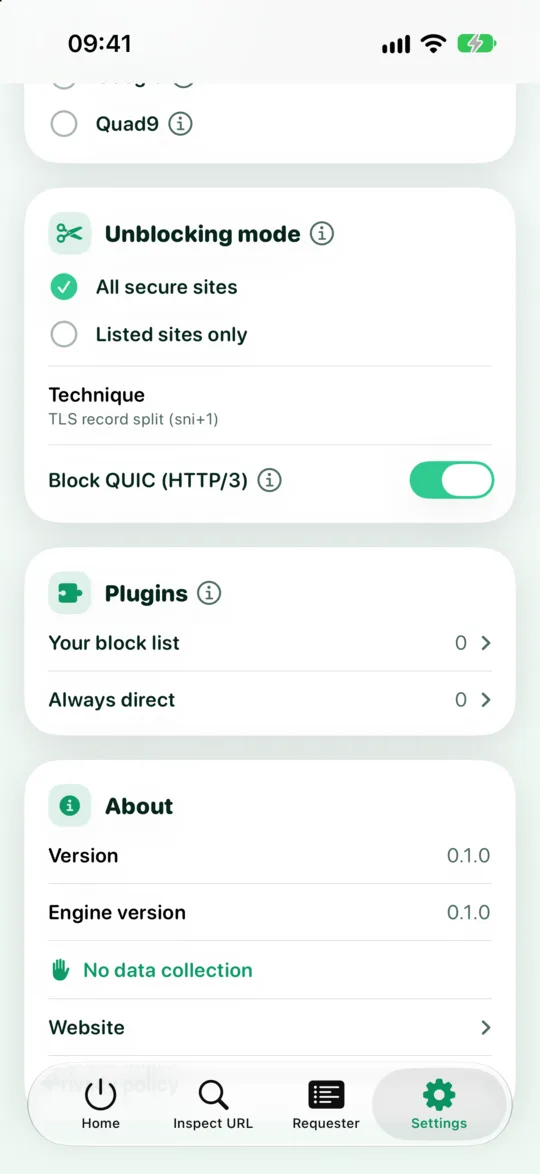
- Open Settings and find Your block list in the Plugins section.
- Tap Add domain and enter the suspicious domain, for example
verify-now.top. - That domain and all its subdomains are blocked on your device, for every browser and app, while GreenTunnel is on.
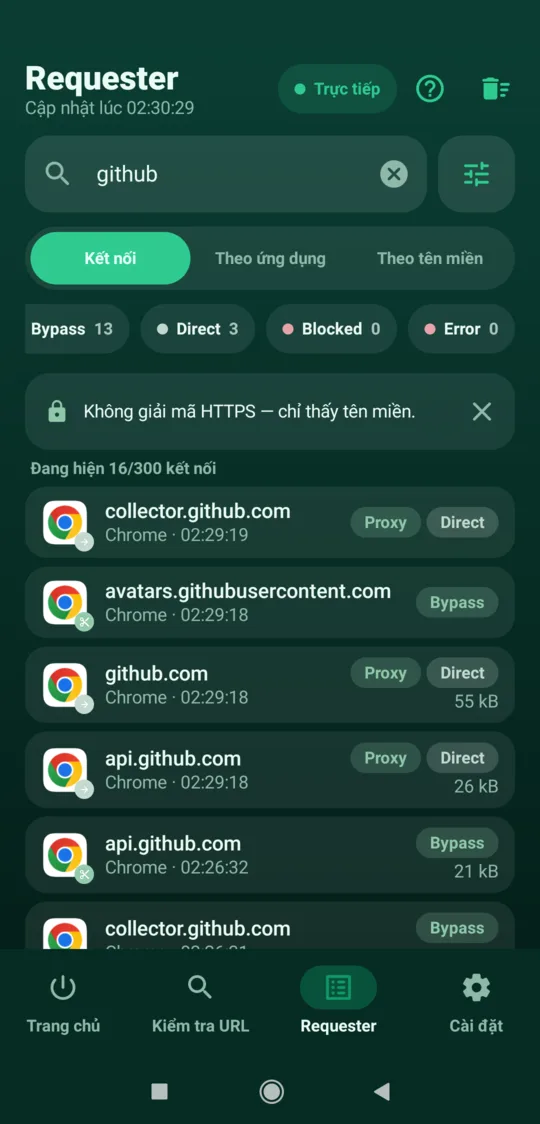
When a connection is stopped, Requester tags it Blocked, and Home counts how many were blocked. Blocking happens on your device, and the list isn't sent anywhere.
Community-maintained block lists for scams and ads, delivered as plugins, are planned. For now, the block list is the one you build yourself.
Requester: where an app connects
If you installed an app from an unfamiliar link, or suspect an app is behaving oddly, open Requester. On Android you see which domains each app connects to, when, and how much data. Tap a connection for details, then use Copy to grab the domain and paste it into your block list. On iOS, the system doesn't tell VPN apps which app opened a connection, so the list is grouped by domain.
Inspect URL
Inspect URL tells you whether a domain resolves, its real addresses via encrypted DNS, and whether your ISP blocks it. It does not judge whether a site is a scam. If you see your ISP blocking an unfamiliar domain you don't recognise, don't try to get around the block.
If you already tapped or typed something
- Call your bank's hotline right away using the number on the back of your card or on the official site, never a number from the message. Ask them to freeze your account or card.
- Change your passwords for banking, email and any account sharing that password, from the official app or site.
- Remove unfamiliar apps you installed on a scammer's instructions, and on Android check which apps have Accessibility access.
- Keep evidence: screenshots of the message, the link and any account number you were told to pay. You'll need them when you report.
Reporting a scam site
- The bank or service being imitated: report it through their hotline or official channels so they can warn other customers.
- The police where you live, if you have lost money.
- chongluadao.vn: a community project where you can look up and report suspicious sites.
FAQ
Does GreenTunnel block scam sites automatically?
Today GreenTunnel blocks the domains you add to Your block list. Community-maintained scam block lists are planned.
Does blocking a domain also block its subdomains?
Yes. Adding verify-now.top also blocks examplebank.vn.verify-now.top and every other subdomain of it.
What if I block a real site by mistake?
Open Settings, go to Your block list and remove the domain. In Requester you can also choose Always allow for a domain.
Does GreenTunnel know which sites I opened?
No. Requester and your block list stay on your device. We never collect browsing content, domains or traffic.