Do I need a VPN? A balanced guide
Public Wi-Fi, what your ISP sees, censorship, geo-restrictions, privacy: what a VPN does and doesn't do, when you need one and when you need nothing.
VPN advertising promises protection from "hackers", "tracking" and "censorship" all at once. Real life is less tidy. The useful question is not "should I buy a VPN" but "what exactly am I trying to prevent?" This guide goes through the common situations, what a VPN does and does not do in each, and when you do not need one.
What a VPN does, in one paragraph
A remote VPN creates an encrypted tunnel from your device to a server run by the VPN provider. Everything you send goes into the tunnel, comes out of that server, and reaches the website. The local network sees only the tunnel. The website sees the server's IP address instead of yours. That is the whole trick, and it is useful, but it does not make you anonymous, and it shifts trust to the provider, who now sees what your ISP used to see. A local VPN is a different thing: it uses the same system feature to handle traffic on the device, with no server in the middle.
What is already protected without a VPN
- Page contents on HTTPS sites. Most of the web uses HTTPS, so the Wi-Fi operator and your ISP cannot read your messages, passwords or the pages you see.
- Passwords on HTTPS logins. They travel encrypted to the site.
What is still visible without a VPN
- The sites you visit, by name. Your DNS lookups are normally plain text, and the first HTTPS message carries the site name (SNI) in clear. So the network can see that you went to a site, though not what you did there. See encrypted DNS and ECH.
- Your IP address and rough location, to every site.
- Traffic volume and timing.
Situations, one by one
Public Wi-Fi at a café or airport
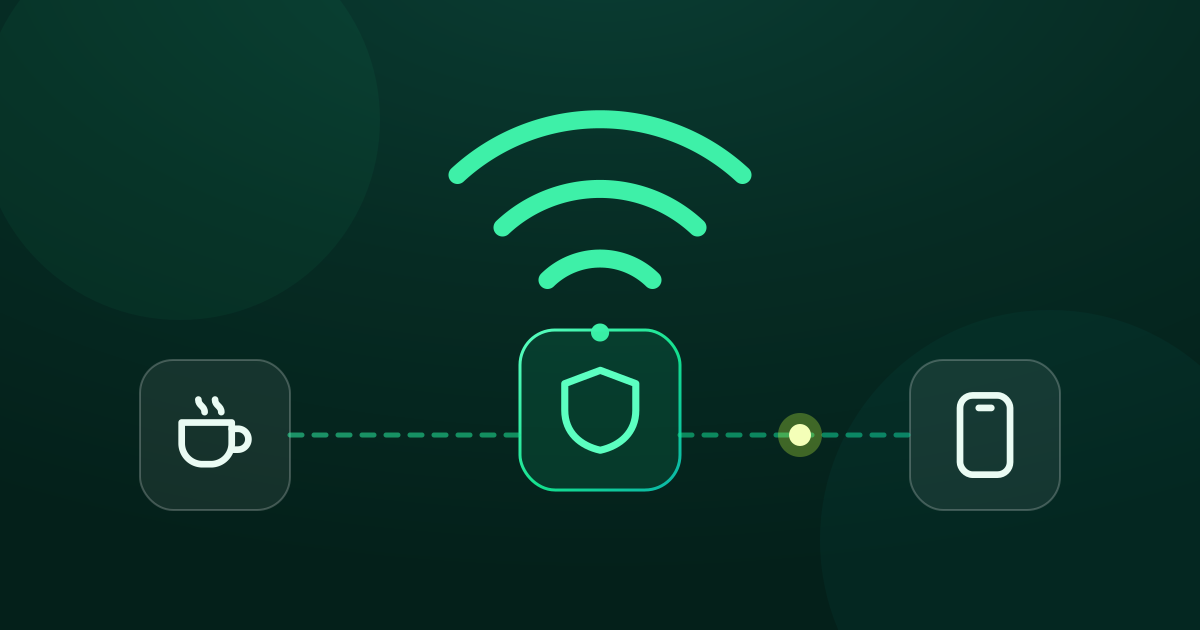
HTTPS already protects the content. The remaining risks are fake hotspots, plain HTTP pages and the operator seeing your destinations. A remote VPN hides the destinations from the operator and protects the plain parts, so it helps. Good habits help too: keep devices updated, prefer HTTPS and avoid sensitive logins on unknown hotspots. See public Wi-Fi safety.
"My ISP can see what I do"
Your ISP can see domain names and traffic volumes, not HTTPS content. A remote VPN replaces that visibility with the VPN company's. If your worry is the ISP specifically, encrypted DNS removes one part of what they can see, but not the destination IP or, usually, the site name. Whether that is enough depends on your threat model.
A site will not open on my network
First find out why. See how to check if a website is blocked. If DNS is tampered with, encrypted DNS fixes it. If a filter reads the site name, a local tool that reshapes the first packets can help. If the block is by IP address, you need traffic to leave through another server: a remote VPN or your own. If the whole network is shut down, nothing helps. The causes are described in How to unblock a website.
Geo-restrictions and streaming
If a service limits content by country, only something that changes the IP address your traffic exits from can matter, which means a remote VPN. Services detect and block VPN servers and may forbid this in their terms, so results vary and no provider can guarantee it. A local DNS and DPI tool does not change your location.
Privacy from advertisers and trackers
A VPN does not stop cookies, browser fingerprinting or being logged in to an account. A DNS-level block list can cut ad and tracker domains for all apps. The trade-off: some sites or apps may behave differently. Browser settings and tracker blockers matter more than a VPN here.
Torrenting or sensitive research
Your ISP and the sites may see your IP address. A remote VPN can hide it from them, but then the provider is the party that could be asked for records, and a VPN is not a licence to do anything. Follow the law where you live.
Living under heavy censorship or shutdowns
This is the hardest case. Some countries block protocols, whole IP ranges and VPN providers, or restrict the internet to approved services. Local tools are unlikely to help, and the legal risk of using circumvention tools can be serious. We cannot give advice for every country, and nothing here is a promise. Learn the local law and consider your own safety first.
When you need no VPN at all
- You browse HTTPS sites on a home network you trust and have no geo-restriction or censorship issue.
- Your concern is passwords and accounts: a password manager and two-factor authentication matter far more than a VPN.
- Your worry is malware and phishing. A VPN does not stop you installing a bad app or entering a password on a fake site. See how to spot scam and phishing sites.
A quick decision guide
| Goal | What helps |
|---|---|
| Hide your IP address | Remote VPN, or your own proxy or tunnel |
| Appear in another country | Remote VPN, subject to the service and the law |
| Hide destinations from a Wi-Fi operator | Remote VPN |
| Fix DNS blocking or tampering | Encrypted DNS |
| Fix name (SNI/DPI) filtering | Local DPI tool such as GreenTunnel |
| Block ads and scam domains | DNS block lists, in a local tool or at the router |
| Protect accounts | Password manager, two-factor authentication |
Where GreenTunnel fits
GreenTunnel is one option for the DNS and name-filtering rows above. It runs on your device, with no server of ours. It encrypts DNS, reshapes the first packets so a name filter does not recognise them, blocks ad and scam domains with lists, and shows what your apps connect to in Requester. It does not hide your IP address, does not change your location and is not an anonymity tool. It cannot beat IP-level blocks, protocol blocks or shutdowns. If you need what a remote VPN gives, use one: see NordVPN alternative? for a straight comparison. If you want to try it, start with Inspect URL to see whether a local tool would even help on your network.
GreenTunnel is free on Android and iPhone, with optional Premium. More on the home page.
FAQ
Does a VPN make me anonymous?
No. It changes who sees what. The provider can see your traffic metadata, and accounts, cookies and fingerprinting still identify you to websites.
Is a free VPN safe?
It depends entirely on how the provider makes money. Running servers costs money, so a free remote VPN that does not charge you may fund itself some other way. Read the privacy policy and prefer providers that are transparent. A local tool that has no server avoids that particular problem.
Do I need a VPN on my home Wi-Fi?
Usually not for safety, because HTTPS protects content. You might want one for geo-location or to hide your IP from sites, which is a separate choice.
Is it legal to use a VPN?
In many countries yes, and in some it is restricted or licensed. Check your local law before you use one.
Sources
- IETF, RFC 8446: TLS 1.3 (what the handshake exposes, including the server name).
- IETF, RFC 8484: DNS Queries over HTTPS (why plain DNS is visible).
- NordVPN, How does a VPN work? (a provider's description of tunnel encryption and IP masking), as summarised in October 2026.