Encrypted DNS with DoH, DoT and DoQ: why plain DNS gets faked
Plain DNS sends names in clear text, so it can be read, blocked or answered with fake addresses. Learn DoH, DoT, DoQ and how GreenTunnel picks a server.
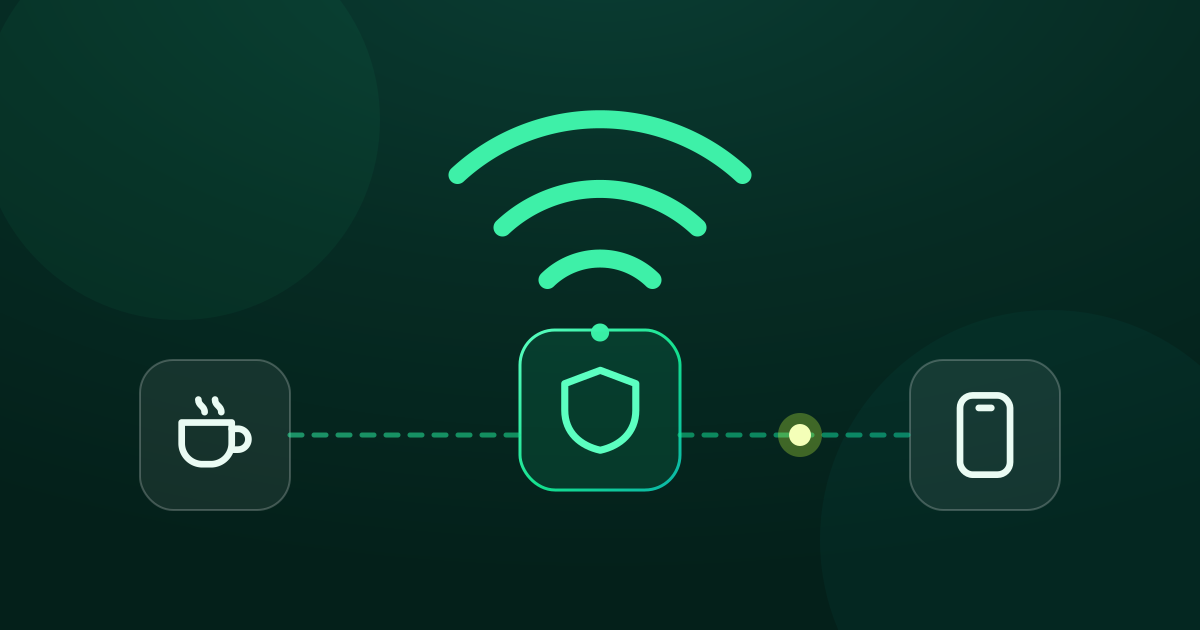
Before anything can load, your phone has to find out which IP address example.com lives at. That lookup is DNS, a bit like checking the phone book before making a call. Normally the phone book belongs to your ISP, and the question goes out unencrypted. Anyone on the path can see which sites you're looking up, and can answer with a lie.
How plain DNS works, and where it leaks
Classic DNS uses UDP port 53. Questions and answers travel in clear text, with nothing to prove an answer is genuine. That leads to a few problems:
- It can be read: your ISP, or anyone on the same Wi-Fi, sees every name you look up.
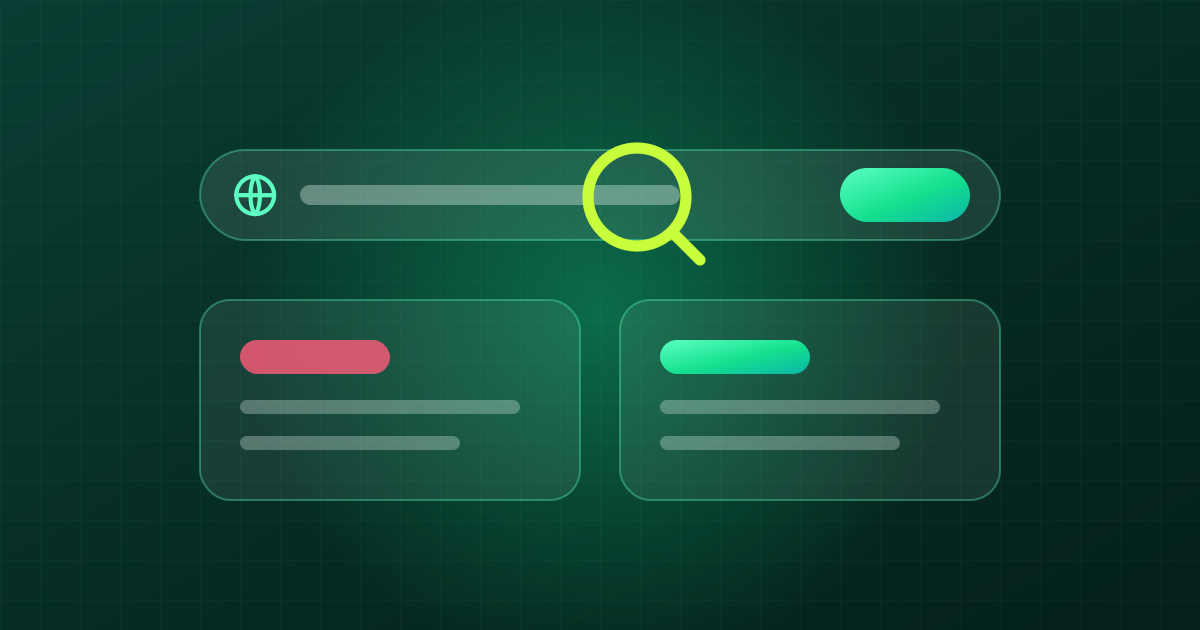
- It can be faked: the DNS server, or a box in the middle, returns a different IP, often leading to a warning page or an address that never answers. This is usually called DNS poisoning or DNS hijacking.
- It can be blocked: the question gets no answer, or comes back as "no such domain".
DNS blocking is the simplest way networks commonly block websites, so encrypted DNS is often the first step to getting a site back.

DoH vs DoT vs DoQ
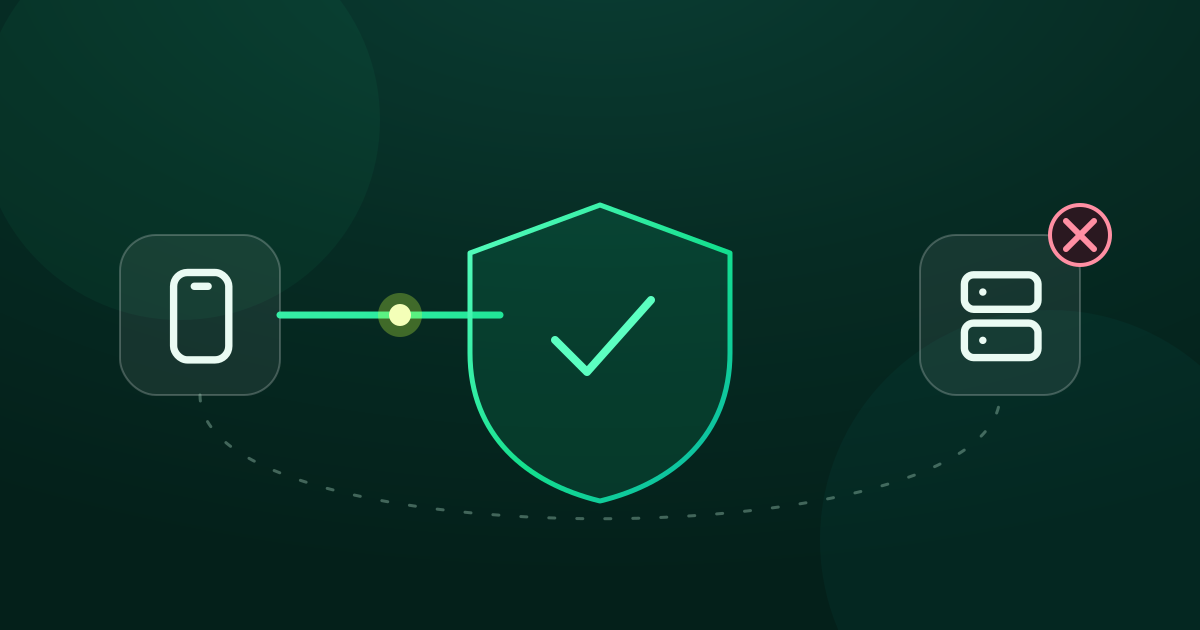
All three do the same thing: they wrap the DNS question in an authenticated, encrypted channel, so only the DNS server you picked can read it and the answer can't be altered on the way. They differ in the wrapper:
| Protocol | Runs over | Port | Notes |
|---|---|---|---|
| DoH (DNS over HTTPS) | HTTPS | 443 | Looks like ordinary web traffic, hard to single out and block |
| DoT (DNS over TLS) | TLS | 853 | Lean, but its dedicated port makes it easier to spot |
| DoQ (DNS over QUIC) | QUIC (UDP) | 853 | Newer and quick to connect, but not among GreenTunnel's built-in servers yet |
For everyday use, what matters isn't which protocol is fanciest, but that at least one server answers on your network. That's why GreenTunnel ships with both DoH and DoT.
The DNS servers built into GreenTunnel
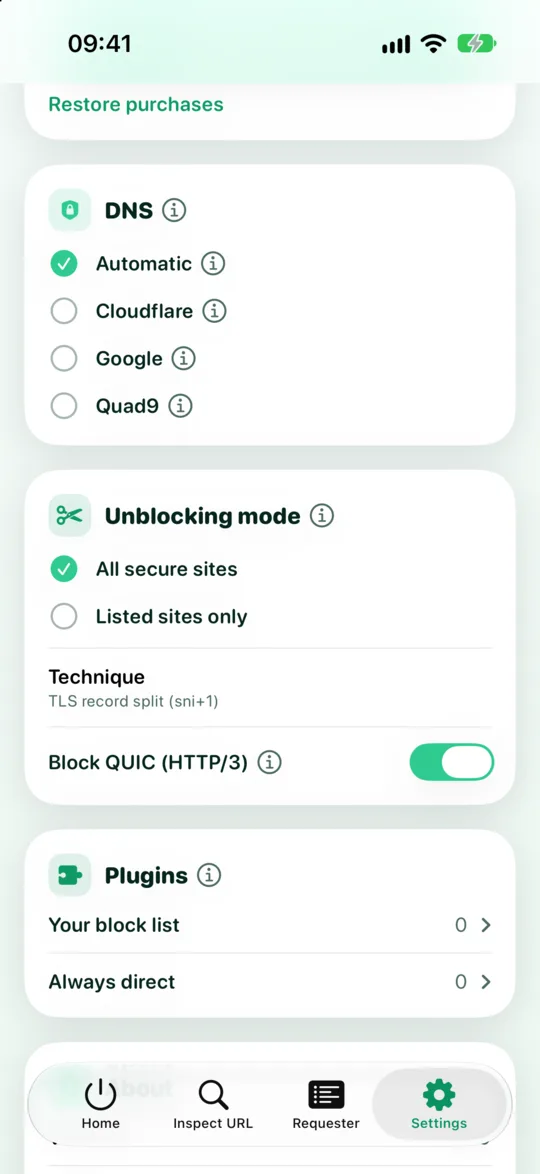
Under Settings → DNS you pick one of these. Each provider shows its protocol, host name and first bootstrap IP:
| Provider | Kind | Address | Bootstrap IPs |
|---|---|---|---|
| Cloudflare | DoH | https://cloudflare-dns.com/dns-query | 1.1.1.1, 1.0.0.1 |
| DoH | https://dns.google/dns-query | 8.8.8.8, 8.8.4.4 | |
| Quad9 | DoT | dns.quad9.net:853 | 9.9.9.9 |
What's a bootstrap IP?
There's a small chicken-and-egg problem: to use cloudflare-dns.com your device needs that server's own address, and asking the ISP's DNS for it could be faked right there. GreenTunnel sidesteps this by connecting straight to built-in bootstrap IPs such as 1.1.1.1 or 9.9.9.9. Your ISP's DNS is never asked.
"Automatic" mode
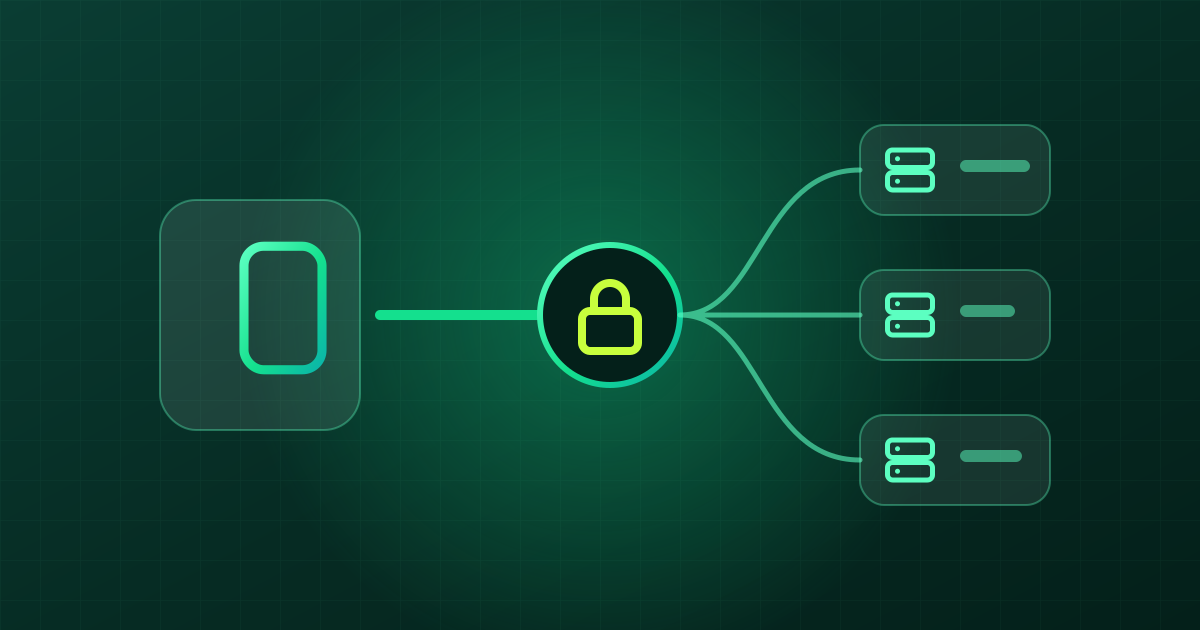
Pick Automatic and GreenTunnel uses all three servers in order: Cloudflare first, then Google, then Quad9. When one can't answer (say its IP is blocked), the engine moves on to the next, and keeps using whichever one answered for later lookups.

See how DNS is doing
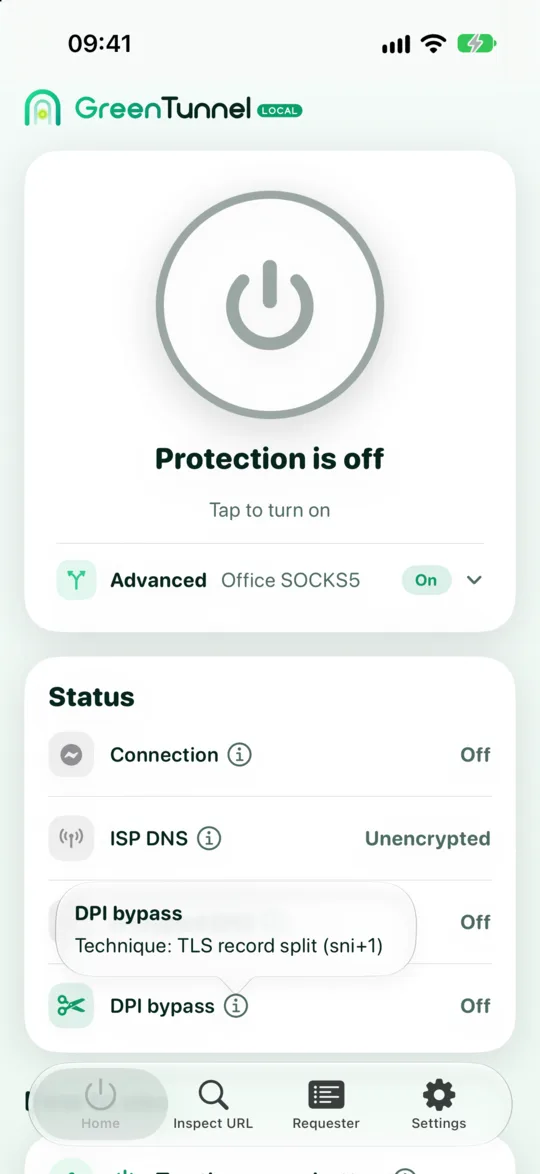
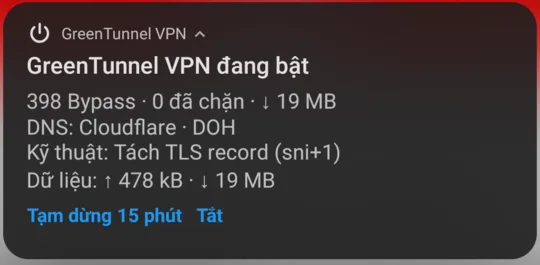
The Status card on the home screen tells you two things. The ISP DNS row switches to "Not used" while the VPN is on. The Encrypted DNS row shows the provider and protocol, for example "Cloudflare · DOH", but only once a real lookup has been answered. Until then the app shows "…" rather than guessing. Tap the ⓘ icon to see which server is answering right now.
What encrypted DNS can't do
- It doesn't hide your IP, and your ISP still sees which IP addresses you connect to. See local VPN vs remote VPN.
- It doesn't get past SNI filters. If you have the right address but the connection still gets cut, you need to split the first packet.
- It doesn't get past IP blocking. Inspect URL tells you when that's what you're up against.
- The DNS provider still sees the question. You're moving lookups from your ISP to Cloudflare, Google or Quad9, so choose the one you trust more. GreenTunnel sends lookups straight from your device to that server. It never sees or stores them.
When you use Proxy Route, DNS still goes through the engine's encrypted DNS, and for proxied connections the name is handed to the proxy so it resolves it itself.
FAQ
Should I choose Cloudflare, Google or Quad9?
If you're not sure, leave it on Automatic: GreenTunnel switches servers on its own when one is blocked. If you trust one provider more because of its privacy policy, just pick that one.
Isn't this the same as changing DNS in my Wi-Fi settings?
Not quite. Setting 1.1.1.1 in Wi-Fi settings still uses plain, unencrypted DNS, so the question can still be read and intercepted on the way. Only DoH and DoT encrypt it.
My browser already has "secure DNS". Do I still need GreenTunnel?
Secure DNS in a browser only covers that browser. GreenTunnel encrypts DNS for every app on the device, and also deals with SNI filters.
Does GreenTunnel keep a history of my DNS lookups?
No. We never collect your domains, content or traffic. The connection list in Requester stays on your device, in a fixed-size ring buffer where new records replace old ones.