Proxy Route: use your own proxy inside a local VPN
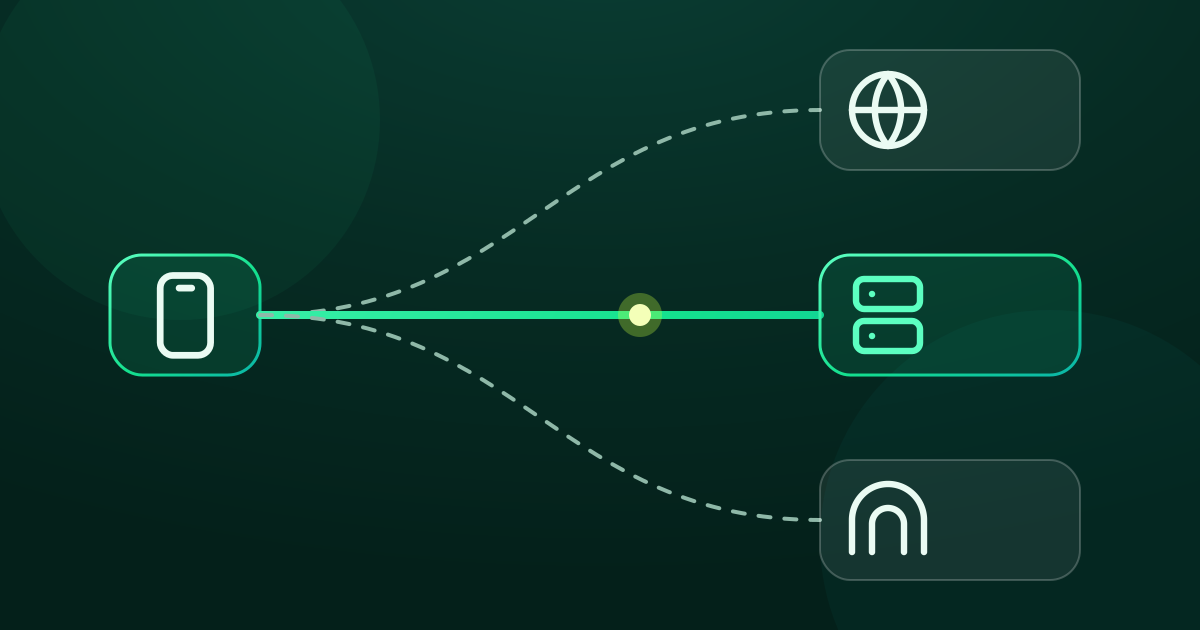
Proxy Route sends GreenTunnel traffic through a SOCKS5, HTTP, HTTPS or Shadowsocks proxy you choose. When it helps, how it differs from a VPN, and setup.
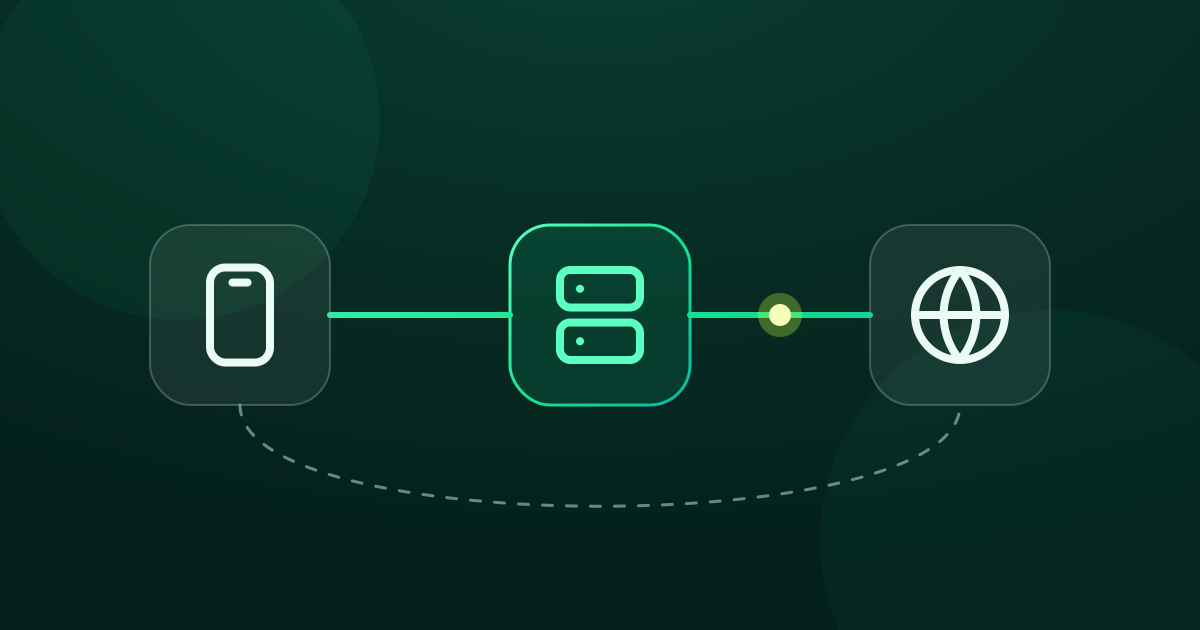
Out of the box, GreenTunnel is a local VPN: all the work happens on your device, and connections then go straight to the website. That is fast and private, but it doesn't change your IP address. Sometimes you need traffic to go through another server: your office network requires a proxy, or you rent a small server abroad to read the news or watch region-specific content legally.
Proxy Route is built for exactly that. You describe your proxy once, pick it from a list, and GreenTunnel sends traffic through it. No second VPN app required.
How Proxy Route works
GreenTunnel stays the single entry point for traffic from your apps. For every new connection, the engine decides which way it goes. When a proxy profile is selected, the connection is opened to the proxy, and the proxy connects on to the website.

A few details worth knowing:
- The proxy gets the domain name, not just an IP address, whenever GreenTunnel knows it. The proxy resolves the name on its side, so you get the content meant for the proxy's region.
- Block lists still run first. Ads and scam sites are stopped on the device and never use your proxy's bandwidth.
- DPI bypass works through plain proxies too. With SOCKS5, HTTP and HTTPS, GreenTunnel splits the site name on the way to the proxy, just like on direct connections. Each profile has a DPI bypass switch, on by default. Shadowsocks needs no splitting because its traffic shows no site name.
- DNS stays encrypted. Even the proxy's own hostname is looked up through GreenTunnel's encrypted DNS.
When Proxy Route helps
A company or school proxy
Many workplaces require all outbound traffic to go through an internal proxy. Instead of setting a proxy inside every app (many apps have no such setting), add it to GreenTunnel once and every app uses it. If only a few apps should use the office proxy, see rules by domain and by app.
A server abroad that you rent
If you run a small virtual server (VPS) in another country with Shadowsocks or an HTTPS proxy on it, Proxy Route lets websites see that server's IP instead of your ISP's. You keep the local features: ad blocking, encrypted DNS, and the connection log in Requester.
How is this different from a remote VPN app?
A remote VPN app sends your traffic to servers run by the VPN company. You have to trust that company, and you usually need an account and a monthly plan. With Proxy Route, you choose the server. GreenTunnel has no relay server, sells no data plans, and never collects your browsing content, the domains you visit or your traffic. Your proxy's address and password are never sent to us either.
The flip side is that picking the server is up to you. Whoever runs the proxy can always see which sites you visit, so only use proxies you actually trust.
Step-by-step setup
- Open the Advanced card. On Home, right under the power button, is the Advanced card. Tap its header to expand it: you see a route list with Direct (the default) and any saved profiles.
- Add a profile. Tap Add profile. Give it a name you'll recognise (say, “Office proxy”), choose SOCKS5, HTTP, HTTPS or Shadowsocks, then enter the server and port. Default ports are 1080 for SOCKS5, 8080 for HTTP, 443 for HTTPS and 8388 for Shadowsocks. Username and password are optional. For Shadowsocks you also pick the cipher.
- Test it. Tap Test. GreenTunnel opens a trial connection through the proxy and shows the time it took in milliseconds, or “Can't reach the proxy”.
- Save and select. Save the profile, then select it in the Advanced card's list. It takes effect at once, without turning the VPN off and on, and it is remembered next time.
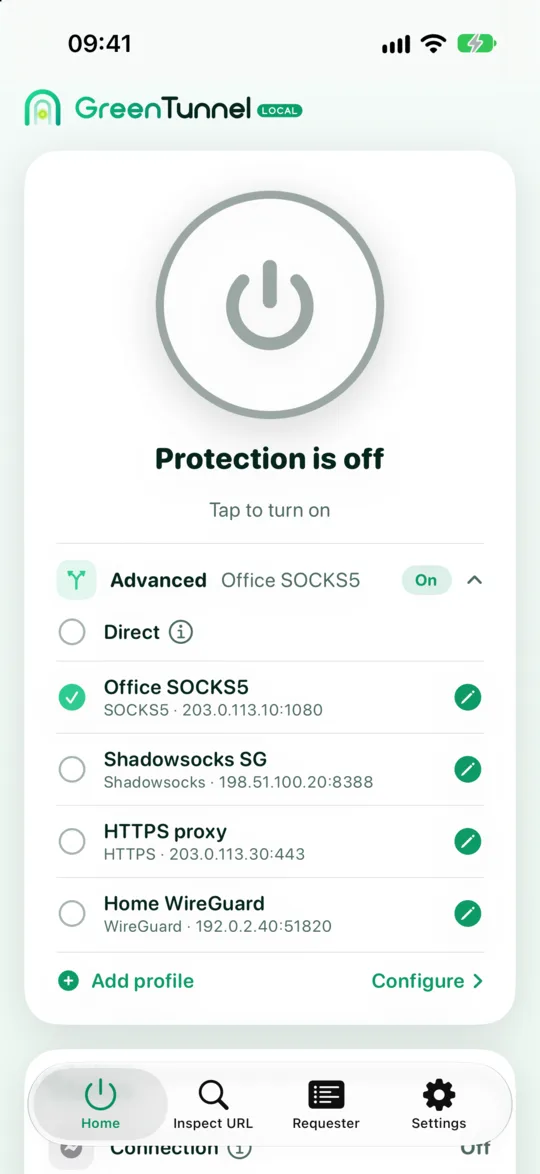
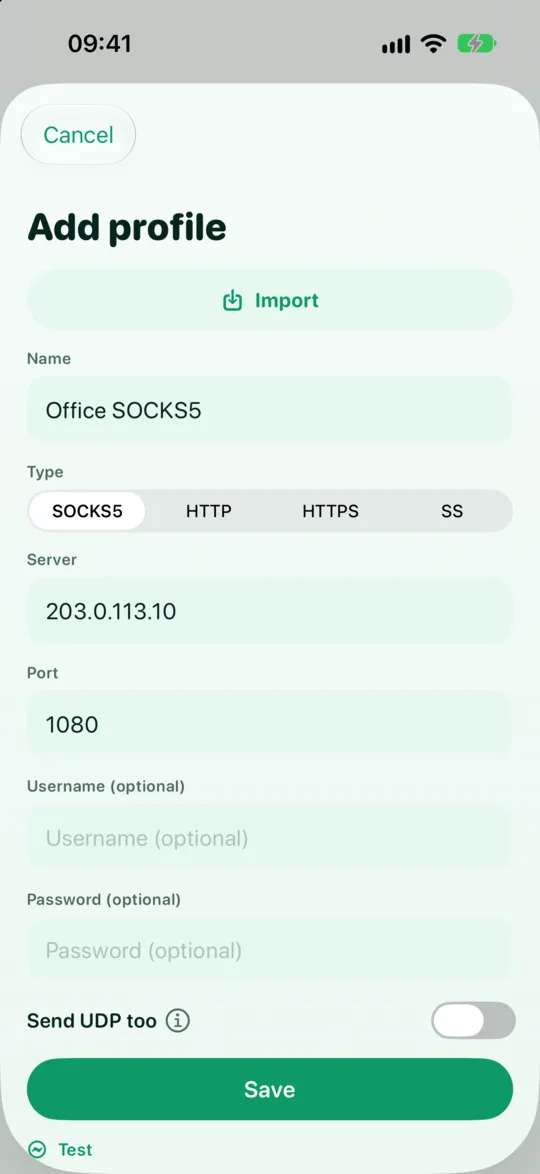
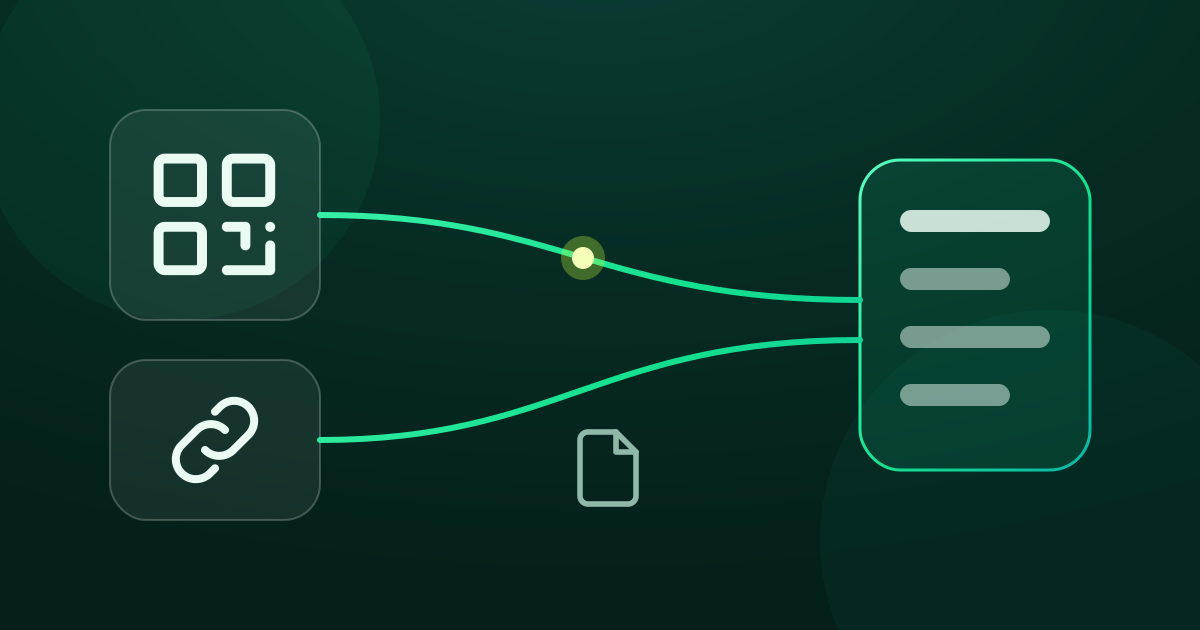
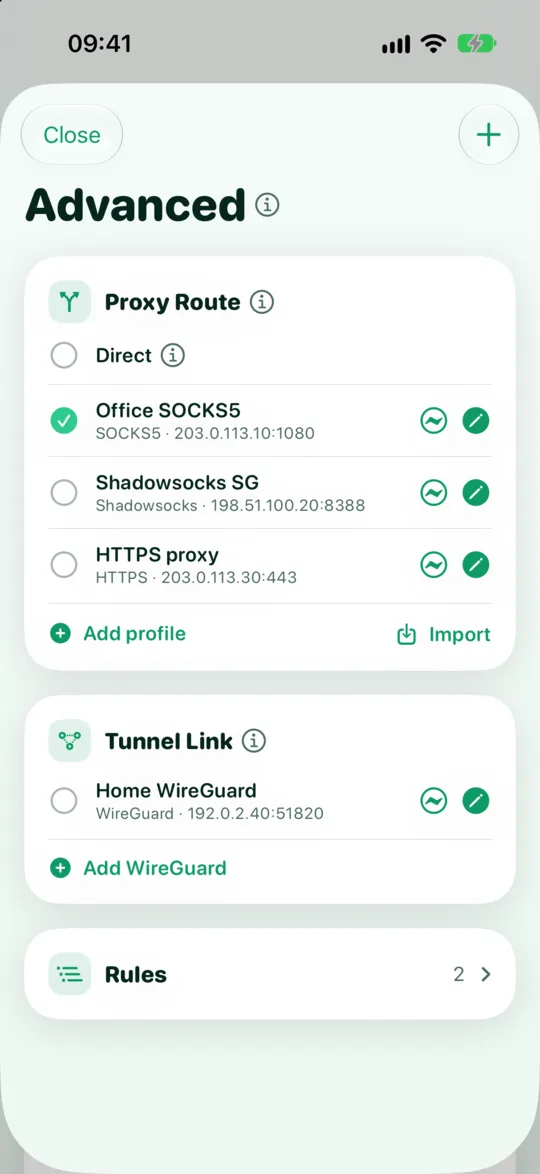
To review, edit or delete profiles, tap Configure in the Advanced card to open the Advanced screen. Its Proxy Route section lists every profile with its type, server and port, plus a test button for each. If your provider gave you an ss:// or socks5:// link, you can import it from a link or QR code instead of typing.
While a profile is in use, the Connection row on the Status card adds its name, for example “Connected · Office proxy”. In Requester, connections that went through the proxy carry a small Proxy tag.
“Always direct”: sites that shouldn't use the proxy
Some services, banks and payment apps in particular, get suspicious when you sign in from an unfamiliar foreign IP. Domains in your Always direct list (in Settings) always go straight from your device: no proxy, and no packet reshaping either. You can add a domain to it straight from a connection's details in Requester.
UDP and QUIC
HTTP and HTTPS proxies only carry TCP. So when the active route can't carry UDP, GreenTunnel blocks QUIC (HTTP/3, which runs over UDP port 443). Browsers switch to HTTPS over TCP by themselves, and that connection goes through the proxy as usual. Other UDP traffic, such as some games and calls, is blocked too, so apps fall back to TCP through the proxy and nothing leaks. DNS lookups are the exception: they still use GreenTunnel's encrypted DNS.
If you want UDP to go through your server too, use Shadowsocks (UDP on by default) or SOCKS5 with Send UDP too switched on, as long as the server supports it. See also why blocking QUIC keeps connections working.
When the proxy has a problem
If the proxy doesn't answer, rejects your password or refuses the connection, GreenTunnel does not quietly switch to direct. That connection fails and the error is recorded, so traffic never slips around your proxy without you knowing. More in no leaks when your proxy fails.
Proxy Route is part of the GreenTunnel VPN app. Learn more about GreenTunnel on the home page.
FAQ
With Proxy Route on, do websites see my real IP?
Connections that go through the proxy show the proxy's IP. Sites in “Always direct” still use your own IP. On a route that can't carry UDP, UDP traffic is blocked rather than sent direct, so it never shows your IP.
Does GreenTunnel provide the proxy?
No. GreenTunnel runs no servers. You use your company's proxy, your own, or a service you pick and trust.
Where is my proxy password stored?
On the device, in the system's secure store (Android Keystore, iOS Keychain). It goes nowhere except to that proxy when connecting.
Can I use DPI bypass and a proxy at the same time?
Yes. Direct connections are reshaped as usual. Through a SOCKS5, HTTP or HTTPS proxy, GreenTunnel also splits what your ISP could read on the way to the proxy, unless you turn off DPI bypass in that profile. Shadowsocks traffic shows no site name, so it is sent as is. You can use rules so that only some sites go through the proxy.