SOCKS5 vs HTTP vs HTTPS proxy vs Shadowsocks: which to pick?
Which ones encrypt the hop to the proxy, what your ISP can see, which carry UDP. An honest comparison of the four proxy types GreenTunnel supports.
When you add a profile in Proxy Route, the first thing GreenTunnel asks is the Type: SOCKS5, HTTP, HTTPS or Shadowsocks. They sound alike but differ in one important way: who can see what along the path. This post explains each one in plain words, with a comparison table to help you choose.
Three parties that can see your traffic
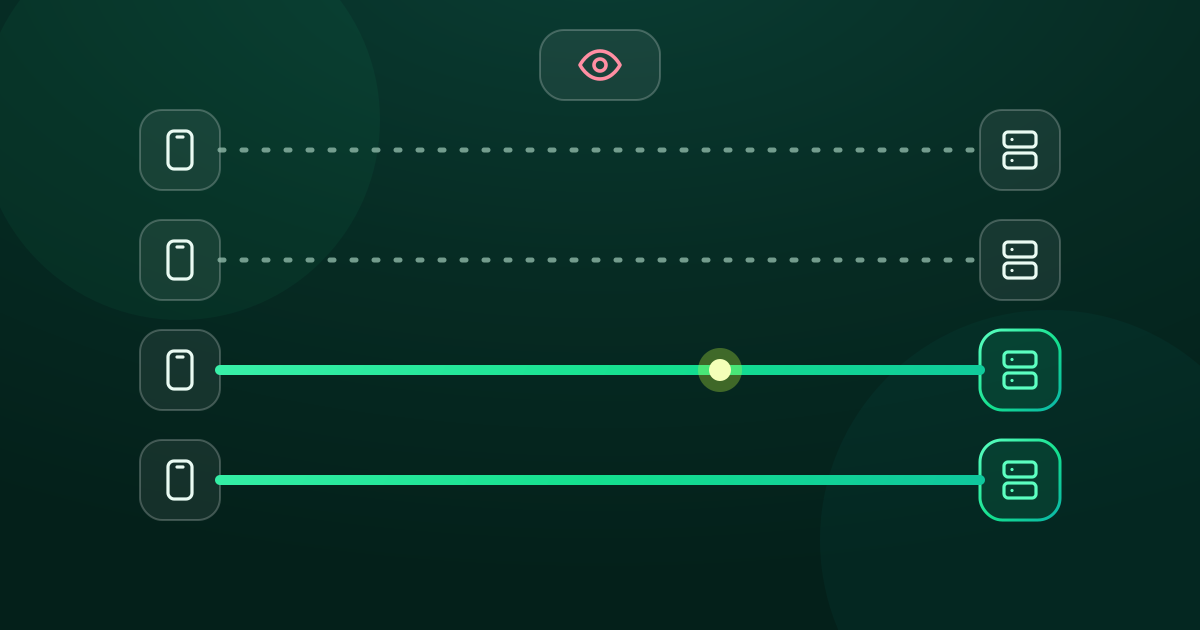
Through a proxy, your connection takes two hops: your device → the proxy, then the proxy → the website. Three parties matter:
- Observers on the first hop: your ISP, the café running the Wi-Fi, your office network. The proxy type decides what they see.
- Whoever runs the proxy: always knows where you connect, with every type.
- The website: sees the proxy's IP instead of yours.
The good news: most websites use HTTPS today. What you actually do there (logins, messages, card numbers) is encrypted from your browser all the way to the site, so even an unencrypted proxy can't read it. What can leak is the site name and, with some types, the proxy's own password.
What an observer sees with each type

SOCKS5
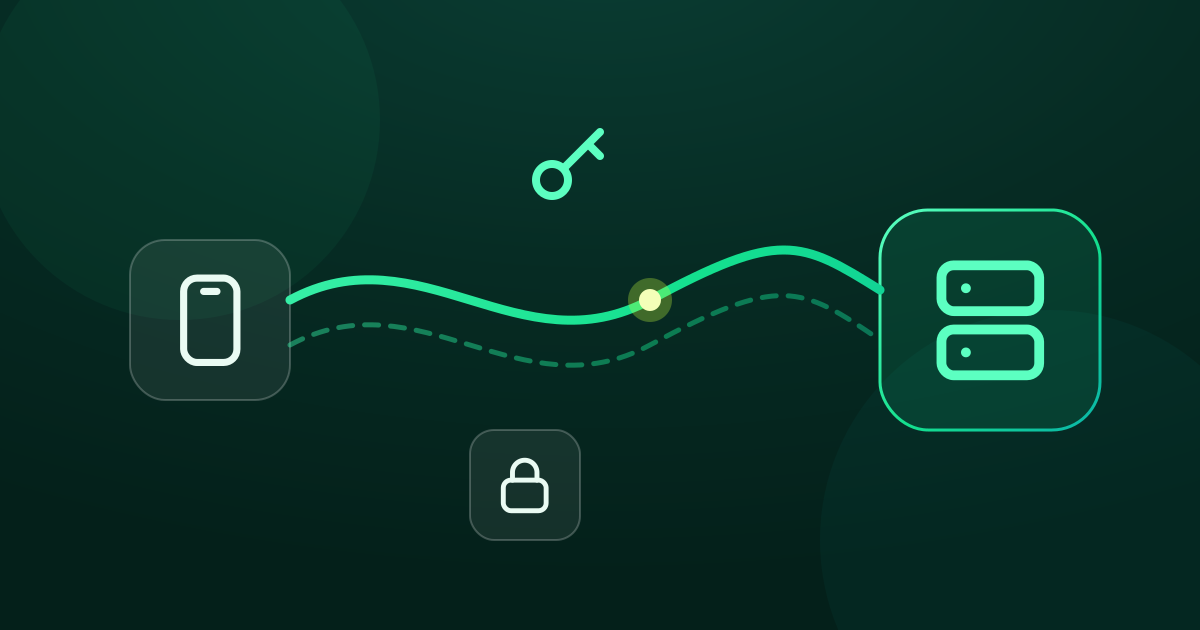
An old, general-purpose proxy protocol. GreenTunnel sends the proxy the destination name (say example.com:443) in plain text. If the proxy asks for a login, the username and password travel in plain text too. On top of that, the first HTTPS packet carries the site name (SNI) across this hop. GreenTunnel splits the name in both, so a simple DPI filter can't read it, but the hop itself is not encrypted.
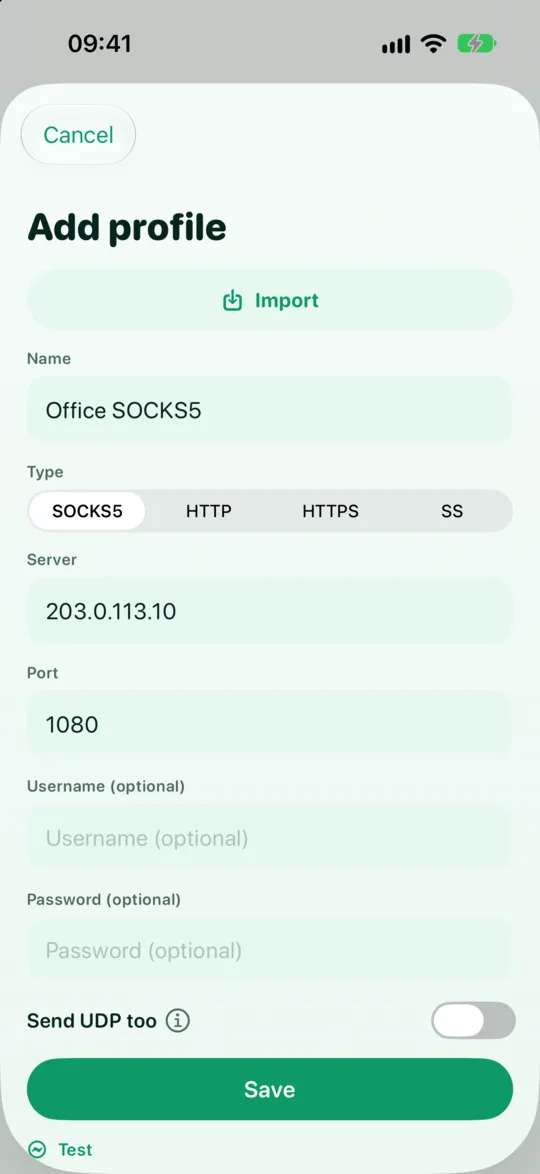
SOCKS5 can carry UDP through UDP ASSOCIATE when the server supports it. In GreenTunnel, the SOCKS5 Send UDP too switch starts off. Turn it on once you know your server handles it.
HTTP CONNECT
The kind you usually meet at work. GreenTunnel sends CONNECT example.com:443 to the proxy, which opens a TCP tunnel to that site. That line, and a “Basic” password (base64 is just encoding, not encryption), are readable on the wire. HTTP proxies carry TCP only.
HTTPS proxy
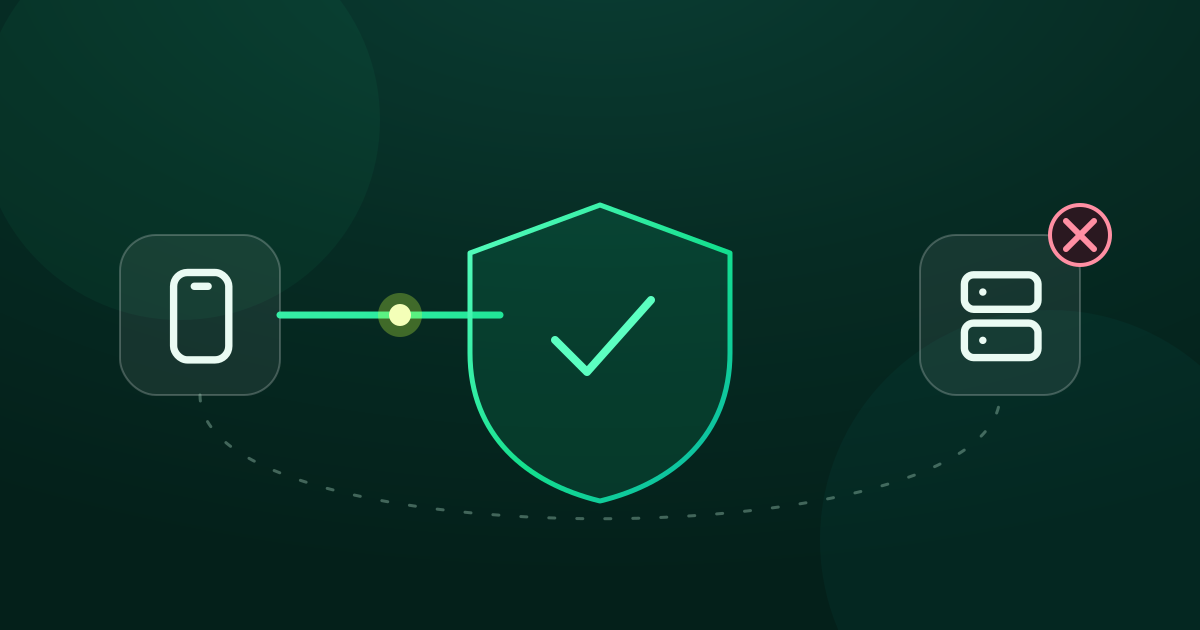
Underneath it's still HTTP CONNECT, but the whole conversation with the proxy happens inside a TLS connection. Observers only see that you connect to the proxy (its name and IP), not the destination or the password. GreenTunnel verifies the proxy's certificate, so the proxy needs a valid certificate for its own hostname. Self-signed certificates are refused. Like HTTP, it carries TCP only.
Shadowsocks
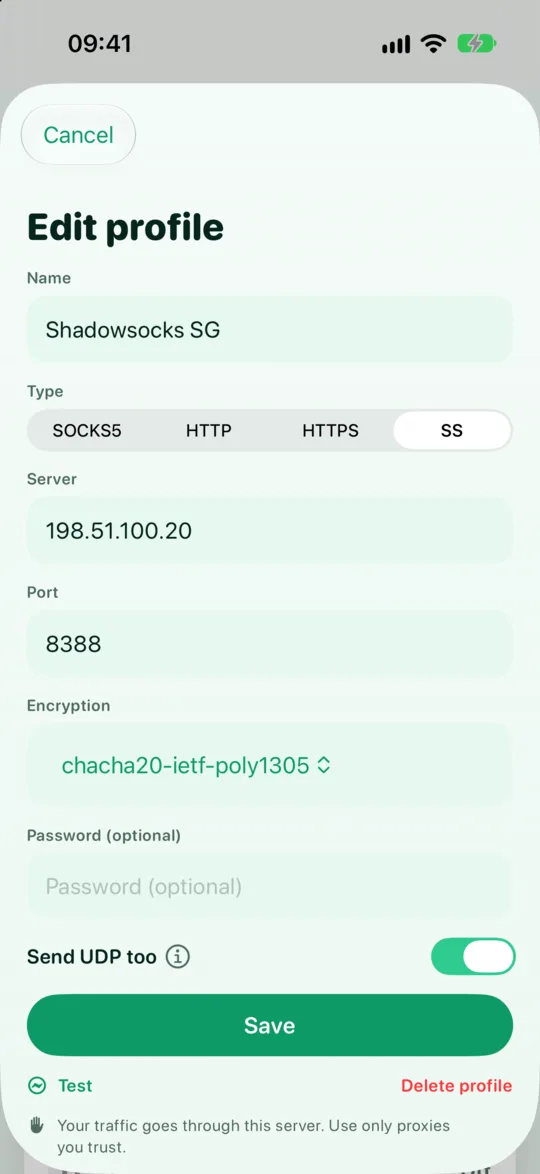
A proxy protocol designed to be encrypted from the very first byte. There is no visible handshake: an observer just sees random-looking data going to an IP and port. GreenTunnel supports the common AEAD ciphers (aes-128-gcm, aes-256-gcm, chacha20-ietf-poly1305) and the 2022-blake3-* family. The default is aes-256-gcm. UDP is on by default. Plugins such as obfs or v2ray-plugin are not supported.
Encrypted doesn't mean invisible: some networks can still recognise or block Shadowsocks traffic. Be wary of anyone who promises otherwise.
Comparison table
| SOCKS5 | HTTP CONNECT | HTTPS proxy | Shadowsocks | |
|---|---|---|---|---|
| Encrypted to the proxy | No | No | Yes (TLS) | Yes |
| ISP sees the destination | Yes | Yes | No, only the proxy | No, only the proxy IP |
| Proxy password exposed on the wire | Yes | Yes | No | No |
| Carries UDP | Optional, if the server supports it | No | No | Yes (on by default) |
| Default port in the app | 1080 | 8080 | 443 | 8388 |
| Good for | trusted local networks | company proxies | a proxy used over untrusted networks | your own server far away |
Proxies and DPI bypass
With plain SOCKS5 and HTTP proxies, the site name travels in clear to the proxy twice: in the request to the proxy and in the first HTTPS packet. GreenTunnel splits both on the way to the proxy, the same way it does for direct connections. With an HTTPS proxy, filters only see the proxy's own name, and GreenTunnel splits that too, which helps when the proxy itself is filtered. Shadowsocks shows no name at all, so there is nothing to split. WireGuard runs over UDP, where splitting does not apply.
Each SOCKS5, HTTP and HTTPS profile has a DPI bypass switch, on by default. Turn it off if a proxy misbehaves with split packets. Splitting gets past simple filters but encrypts nothing, so on a network you don't trust an encrypted type is still the better pick.
So which one should you pick?
- Your company requires a proxy: use the type you're given, usually HTTP or HTTPS. There's no real choice, and the office network is already trusted to some degree.
- A proxy on your home network, or the far end of an SSH tunnel: SOCKS5 is enough, since the first hop is on a network you control.
- Your own server far away, used over public Wi-Fi or mobile data: Shadowsocks (with UDP) or an HTTPS proxy.
- You want everything, UDP included, carried at the packet level: consider Tunnel Link with WireGuard.
When the active route can't carry UDP, GreenTunnel blocks QUIC and all other UDP except DNS, so browsers and apps switch to TCP through the proxy. Why that doesn't break websites is explained in no leaks when your proxy fails.
Proxy Route is part of the GreenTunnel VPN app. See how GreenTunnel works on the home page.
FAQ
With SOCKS5, can my ISP read my banking password?
No, as long as the bank's site uses HTTPS (virtually all do). The site encrypts that content itself. Your ISP sees the site name, and the proxy's password if it has one.
Is an “HTTPS proxy” a proxy for HTTPS sites?
Not quite. Every type here can open HTTPS sites. “HTTPS proxy” means the connection to the proxy itself is encrypted with TLS.
Does Shadowsocks make me anonymous?
No. Shadowsocks covers the hop from your device to the server. Whoever runs the server still sees where you go, and websites can still recognise you by your account or cookies. It's a privacy tool, not an anonymity tool.
Which Shadowsocks cipher should I choose?
The one your server uses, since both ends must match. If you set up the server yourself, aes-256-gcm and chacha20-ietf-poly1305 are both common choices.