Tunnel Link: your own WireGuard server, with GreenTunnel on
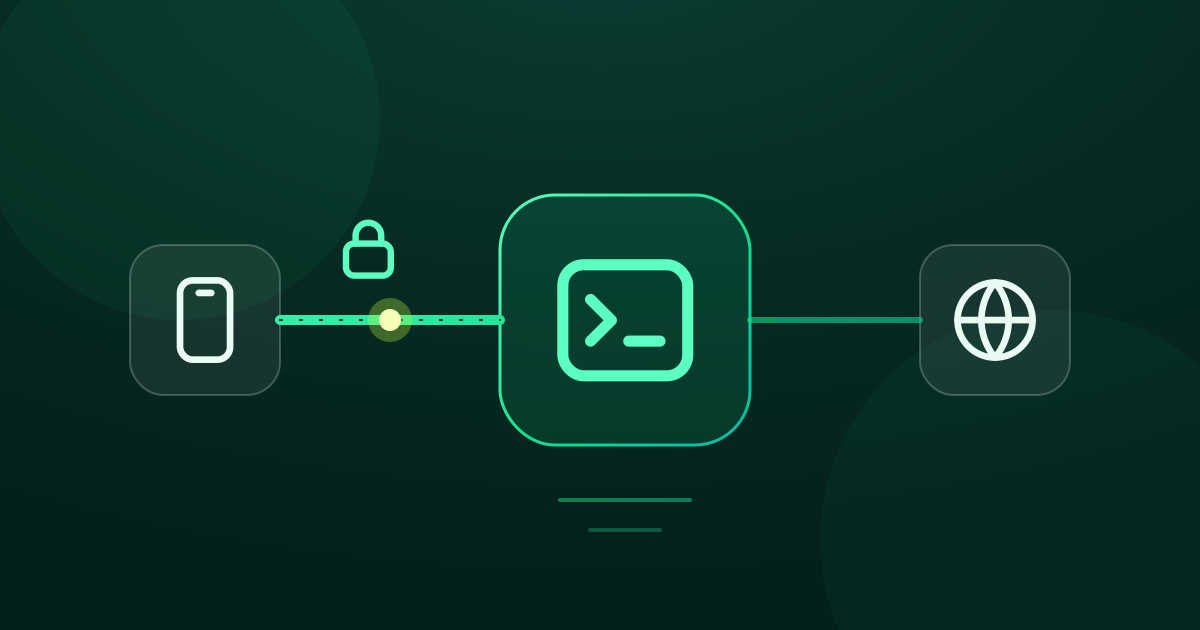
Phones run one VPN at a time, so GreenTunnel has WireGuard built in. Import a .conf or QR code and choose which traffic goes through your server.
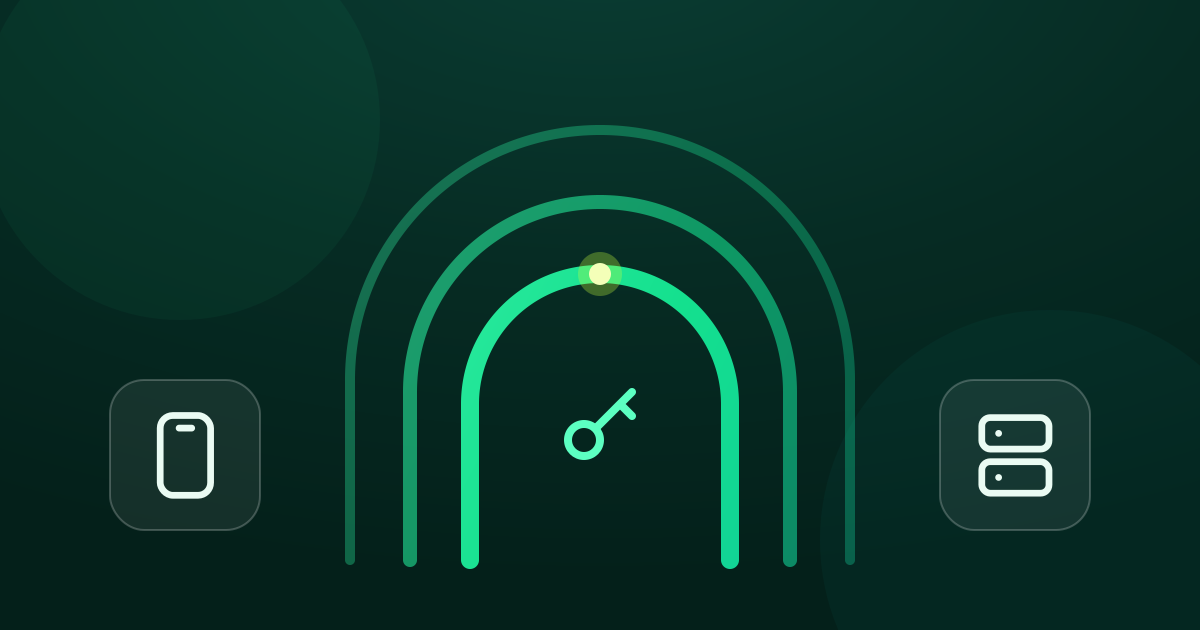
WireGuard is a lean VPN protocol, popular with people who run their own server: a small VPS abroad, a router at home, or the office network. The catch on a phone is that the system lets only one app hold the VPN slot. Start the WireGuard app and GreenTunnel has to stop, taking ad blocking, encrypted DNS and DPI bypass with it.
Tunnel Link solves this by putting a WireGuard client inside GreenTunnel's engine. Only one VPN is running, yet you still reach your WireGuard server.
What goes where
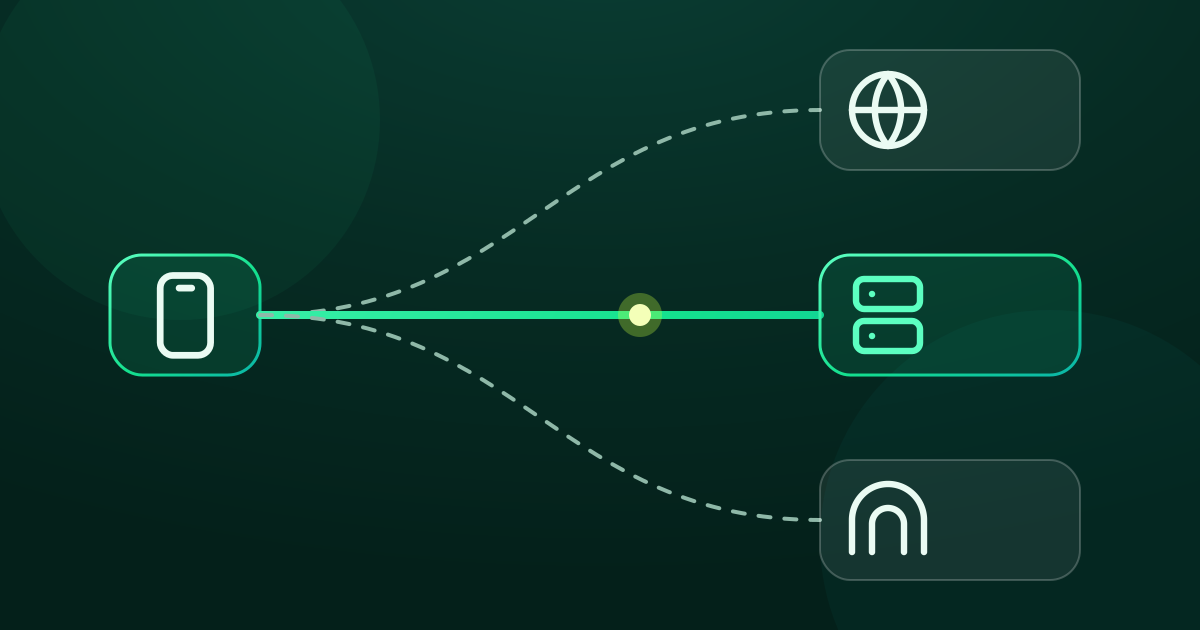
With Tunnel Link set up, GreenTunnel decides the route for every new connection, in the same order as routing rules:

- Through the tunnel: connections that match a rule pointing at the tunnel, or every connection if you select the tunnel as your route in the Advanced card. Both TCP and UDP go through, QUIC (HTTP/3) included, because WireGuard carries traffic at the IP-packet level.
- Direct: everything else, plus the sites in “Always direct”. Direct connections still get their first packet reshaped, exactly as without a tunnel.
- DNS: still handled by GreenTunnel through the encrypted DNS you picked. The
DNS =line in a WireGuard config is not used yet. - Ad and scam blocking runs before all of this, so blocked connections never reach the tunnel.
Sites you reach through the tunnel see your WireGuard server's IP, not your ISP's. Whoever runs that server, if it isn't you, can see where you connect. Only use servers you trust.
Adding a WireGuard server
You need a wg-quick style WireGuard config: usually a .conf file generated by your server or provider, with an [Interface] section holding the private key and addresses, and one [Peer] section with the server's public key and endpoint.
- Open the Advanced card under the power button and tap Configure.
- In the Tunnel Link section, tap Add WireGuard.
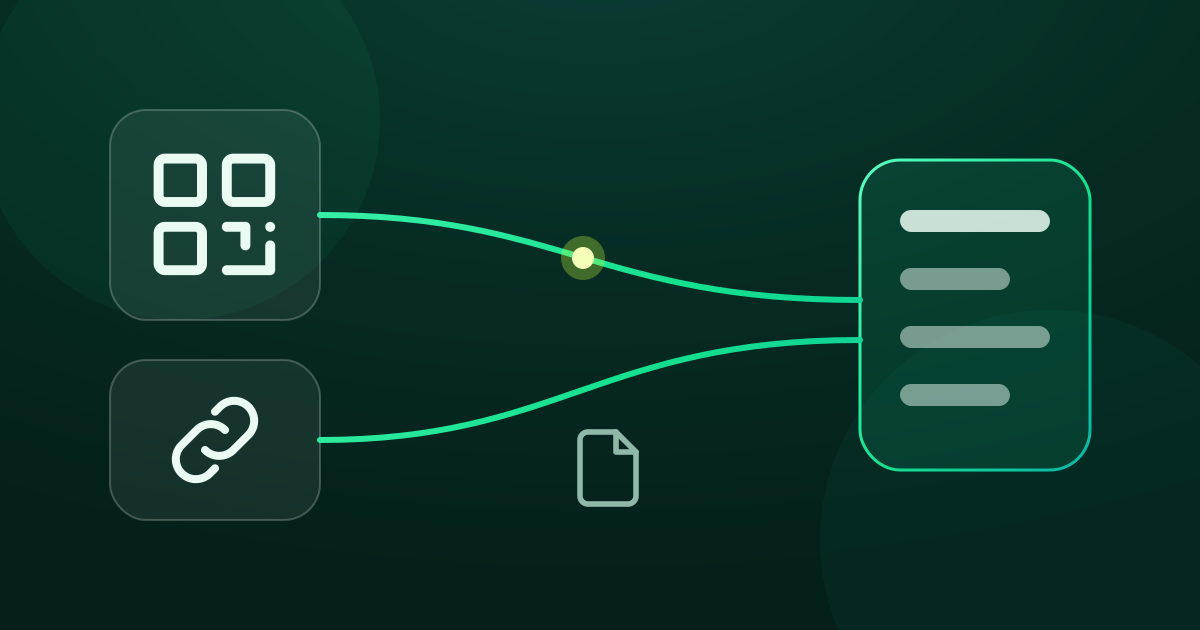
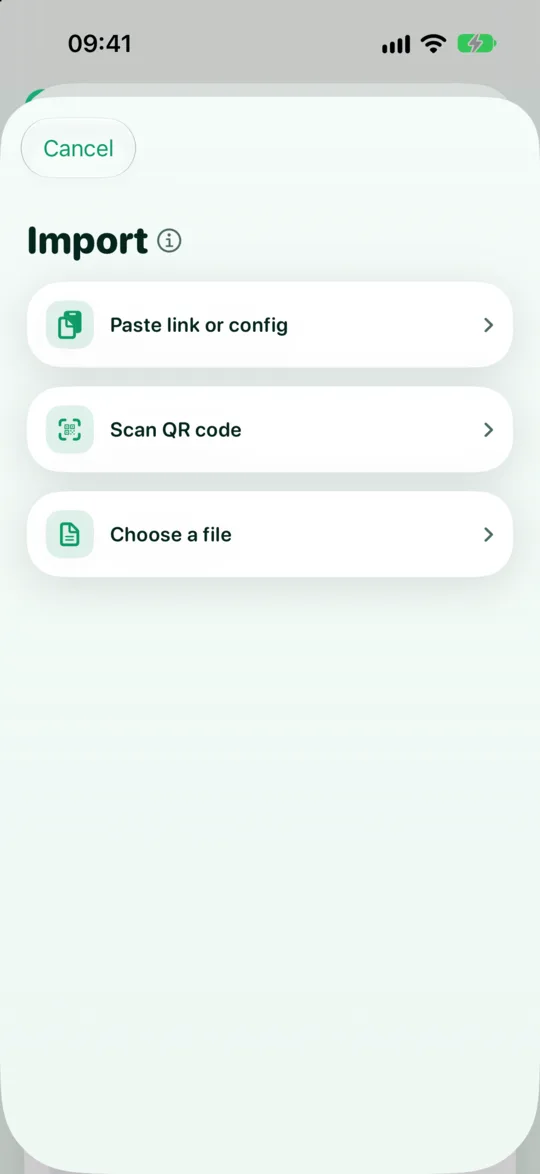
- Pick one of three ways: Paste link or config from the clipboard, Scan QR code, or Choose a file (
.conf). - GreenTunnel checks the config on the device and opens the editor, prefilled. Review it, rename it if you like, and save.
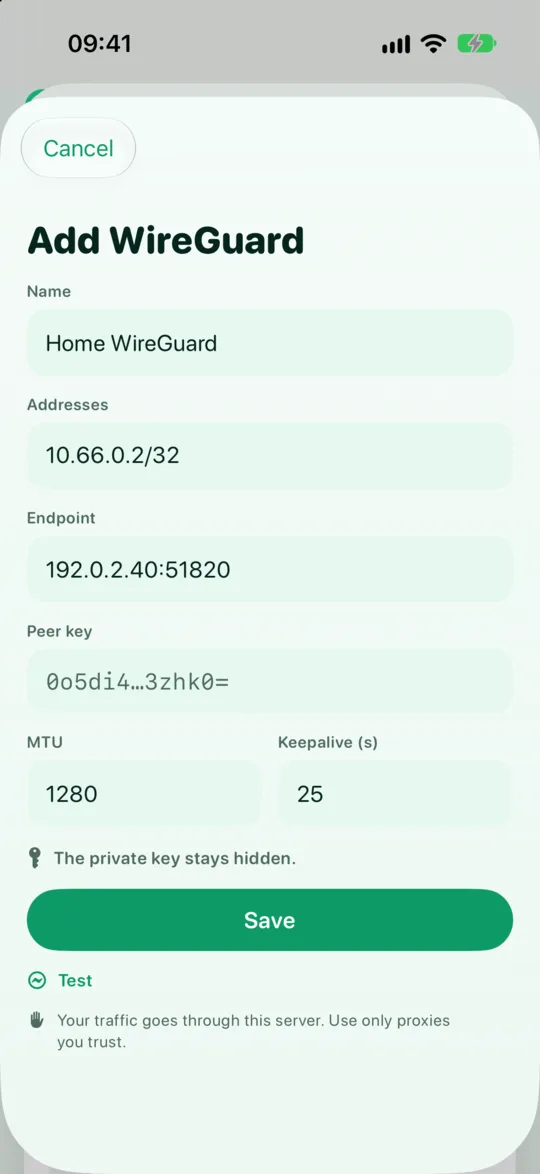
The editor shows the name (editable), addresses, endpoint, the server's public key (shortened), MTU (1280 by default) and keepalive. The private key is never shown again after import: it lives in the system's secure store, like proxy passwords. To change keys, import a new config.
The supported formats and what GreenTunnel checks are covered in importing profiles from links, QR codes and files.
Using the tunnel: all traffic or just some
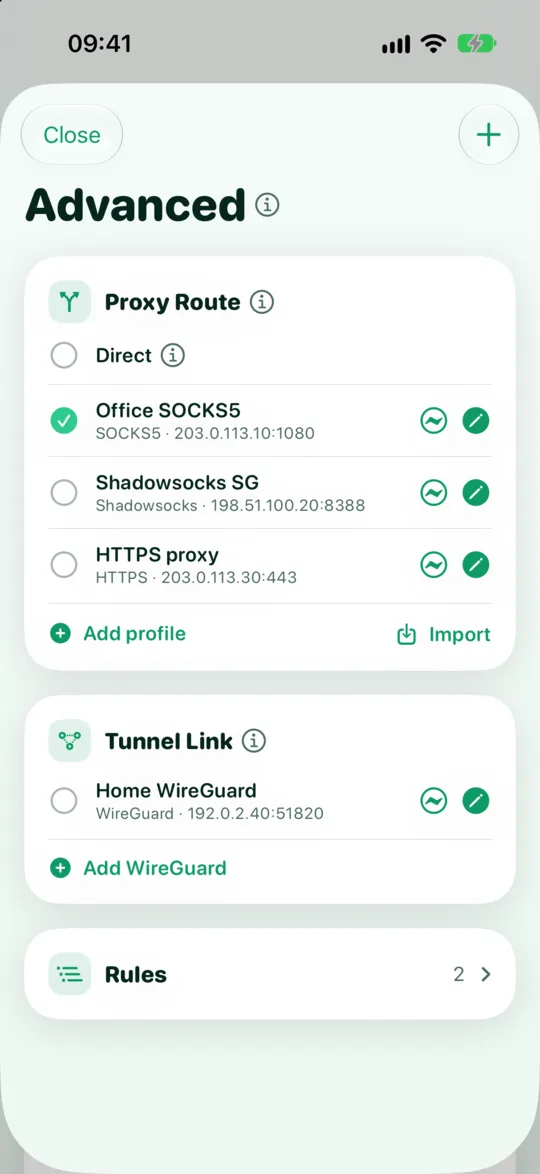
Tunnel Link profiles sit in the same list as Direct and your proxy profiles in the Advanced card. You can use them two ways:
- Everything: select the tunnel in the list. Every connection (except “Always direct” sites and anything blocked) goes through your WireGuard server.
- Just some: keep Direct as the default route and add rules for the domains (or, on Android, the apps) that should use the tunnel. For example, only your streaming service goes through the server abroad, and the rest stays direct and fast.
Testing, and when the server stops answering
The Test button next to each profile performs a WireGuard handshake with the server and shows the round trip in milliseconds. WireGuard never answers a handshake made with the wrong key, so a bad key shows up as a timeout rather than a “wrong key” message.
If the server stops answering while you use it, connections going through the tunnel fail and the error shows in Requester. GreenTunnel does not move them to direct, so traffic never slips out around the tunnel. Once a handshake succeeds again, the tunnel recovers by itself. See no leaks when your proxy or tunnel fails.
Current limits
- OpenVPN is not supported yet. Tunnel Link uses WireGuard only for now. AmneziaWG parameters in a config are not supported yet either.
- One server per config: a file with several
[Peer]sections is rejected. - VPN mode only. Tunnel Link works when GreenTunnel runs as the device's VPN. In local proxy mode, connections meant for the tunnel fail.
- Ping (ICMP) is not sent through the tunnel.
- Domain rules recognise a site from the DNS lookup that went through GreenTunnel. If an app connects to a raw IP address, that connection may fail instead of using the tunnel.
Tunnel Link is part of the GreenTunnel VPN app. To see why GreenTunnel differs from a remote VPN, visit the home page or read local VPN vs remote VPN.
FAQ
Can I run the WireGuard app and GreenTunnel side by side?
No. Android and iOS allow one active VPN. That's exactly why Tunnel Link exists: import your WireGuard config into GreenTunnel and run a single app.
Does GreenTunnel provide WireGuard servers?
No. GreenTunnel runs no servers. You use one you host yourself or one from a provider you choose.
Why can't I view my private key again?
The private key is what lets another device pose as yours. GreenTunnel keeps it in the secure store and never puts it on screen, so it can't end up in a screenshot or be read over your shoulder.
Does DPI bypass still work with the tunnel?
Traffic inside the tunnel is already encrypted by WireGuard, so it needs no reshaping. Direct traffic still gets DPI bypass as usual.