Local VPN vs remote VPN: what's the difference, which to use?
Who sees your traffic, how fast it is, whether your IP is hidden: an honest comparison of a local VPN like GreenTunnel and a regular remote VPN.
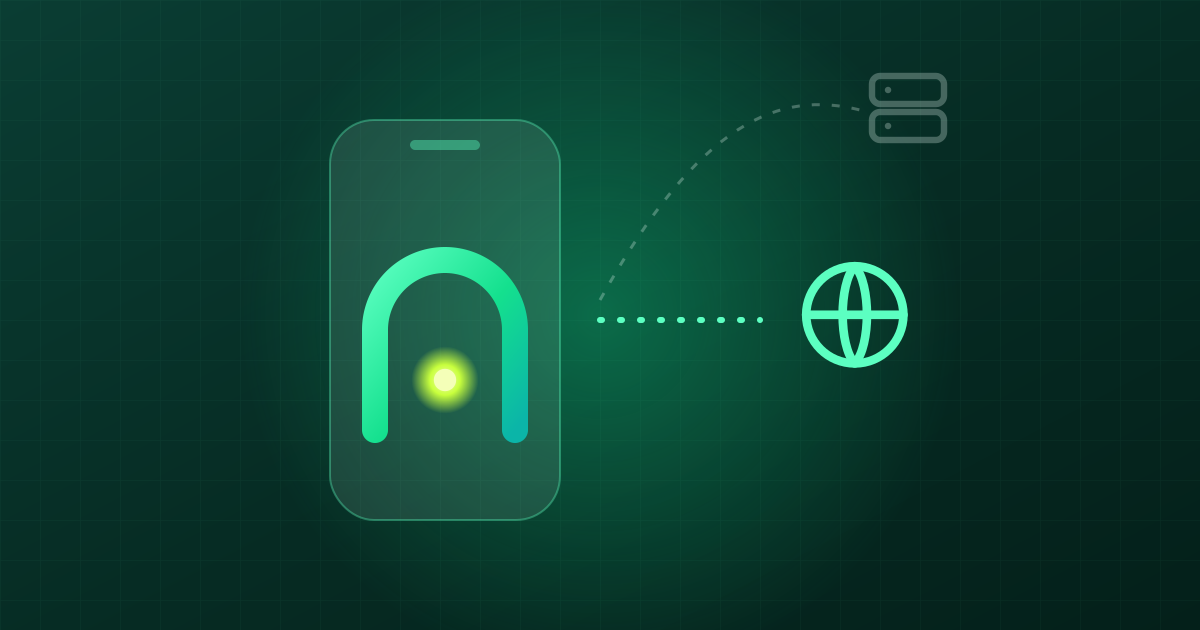
Say "VPN" and most people picture an app that moves them to another country: tap a button, your IP changes, and websites think you're in Singapore or Japan. That is a remote VPN. On Android and iOS, though, "VPN" is really just a network interface the operating system lets one app sit behind. That app can ship your traffic far away, or it can handle it right on the device and let it go straight out. The second kind is a local VPN, and GreenTunnel is one.
Both show the same key icon in the status bar, yet they do very different jobs. Here is an honest comparison so you can pick the right tool.
Two different paths

How a remote VPN works
A remote VPN app builds an encrypted tunnel from your phone to the provider's server. Every connection goes into that tunnel, comes out at the server, and only then reaches the website. Your ISP only sees you talking to a VPN server, and the website sees the VPN server's IP instead of yours.
The price is trust. The VPN provider now sits exactly where your ISP used to: it can see which domains you visit, when, and how much data moves. A good provider won't log any of it, but you have to take their word for it.
How a local VPN (GreenTunnel) works
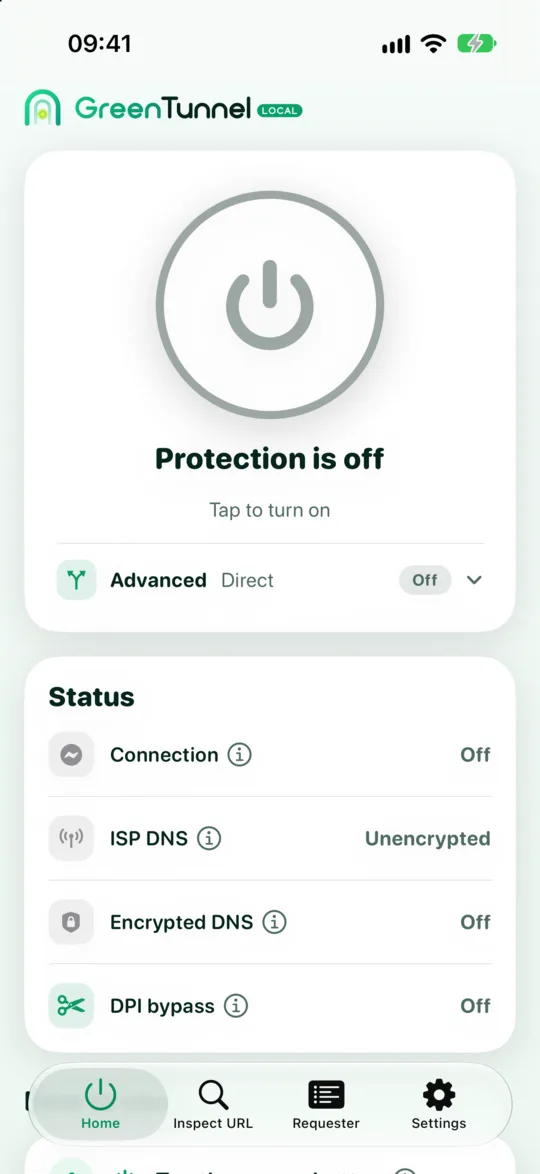
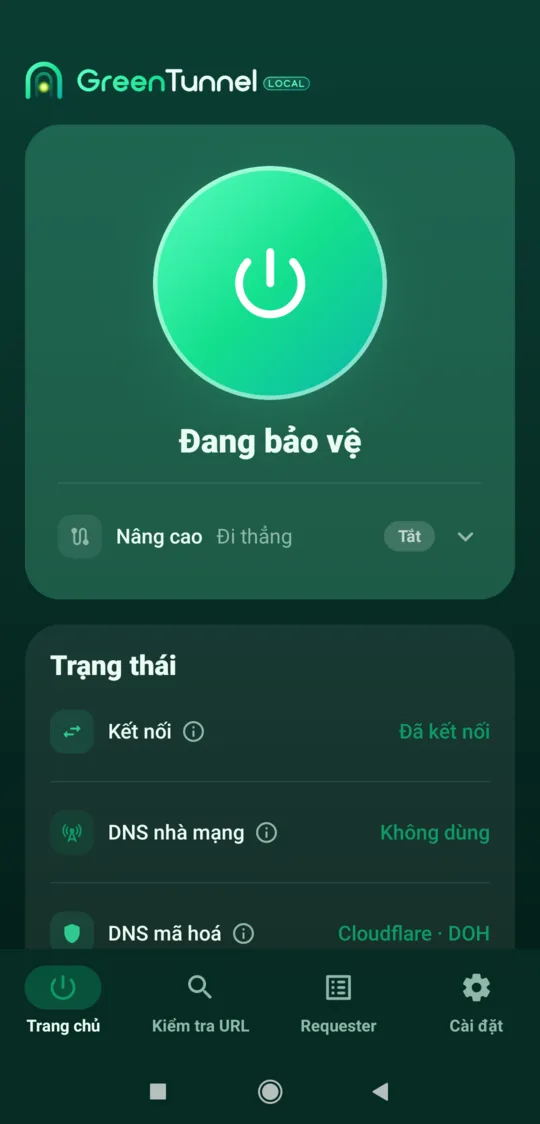
GreenTunnel uses the same official VPN API, but all the work happens in an engine running on your phone. For each connection it:
- looks up the name over encrypted DNS (Cloudflare, Google or Quad9) instead of your ISP's DNS,
- blocks domains on your block list, if you have one,
- splits the first packet of an HTTPS connection so DPI filters can't read the site name (see our post on DPI and SNI),
- then sends it straight to the website, with no server of ours in between.
Content stays encrypted with HTTPS as usual. GreenTunnel decrypts nothing. It only changes how the first bytes are cut up and sent.
Point by point
| Remote VPN | Local VPN (GreenTunnel) | |
|---|---|---|
| Middleman server | Yes, the provider's | None |
| Who sees which sites you visit | The VPN provider | Your ISP still sees destination IPs, but names are harder to read |
| Hides your IP from websites | Yes | No |
| Changes your country | Yes | No |
| Gets past DNS blocking | Yes | Yes, with encrypted DNS |
| Gets past name (SNI) filtering | Yes | Usually, by splitting packets |
| Gets past IP blocking | Yes | No, unless you add a proxy or tunnel |
| Latency | Adds the trip to the server | Close to unchanged, since traffic goes direct |
Speed
With a remote VPN every packet detours through a server, sometimes in another country, and your speed depends on how busy and how far away it is. A local VPN has no detour: connections go straight to the website just as they would without a VPN. GreenTunnel only touches the first few bytes of each connection and relays the rest untouched. We don't quote numbers, because real-world speed depends on your network and device.
Privacy and your IP address
This is the part we want to be crystal clear about: GreenTunnel does not hide your IP and is not an anonymity tool. Websites still see your real IP, and your ISP still sees which IP addresses you connect to. What you gain is that your ISP can no longer read or rewrite your DNS lookups, and has a much harder time reading the site name in the first packet.
In return, GreenTunnel has no server that could see your traffic. We never collect your browsing content, domains or traffic. The connection list in Requester stays on your device.
Trust
With a remote VPN you move your trust from the ISP to the VPN provider. With a local VPN there is no new third party to trust: traffic goes from your device straight to the website, as it always has.
Which one should you use?
Use a local VPN like GreenTunnel when:
- a site is blocked with fake DNS answers or by reading its name (SNI), and you just need it to open,
- you don't want your traffic going through anyone else's server,
- you want speed close to having no VPN at all,
- you want to see which apps connect where.
Use a remote VPN (or your own server) when:
- you need to hide your IP from websites or need an IP in another country,
- a site is blocked by IP address. Inspect URL will tell you when that's the case,
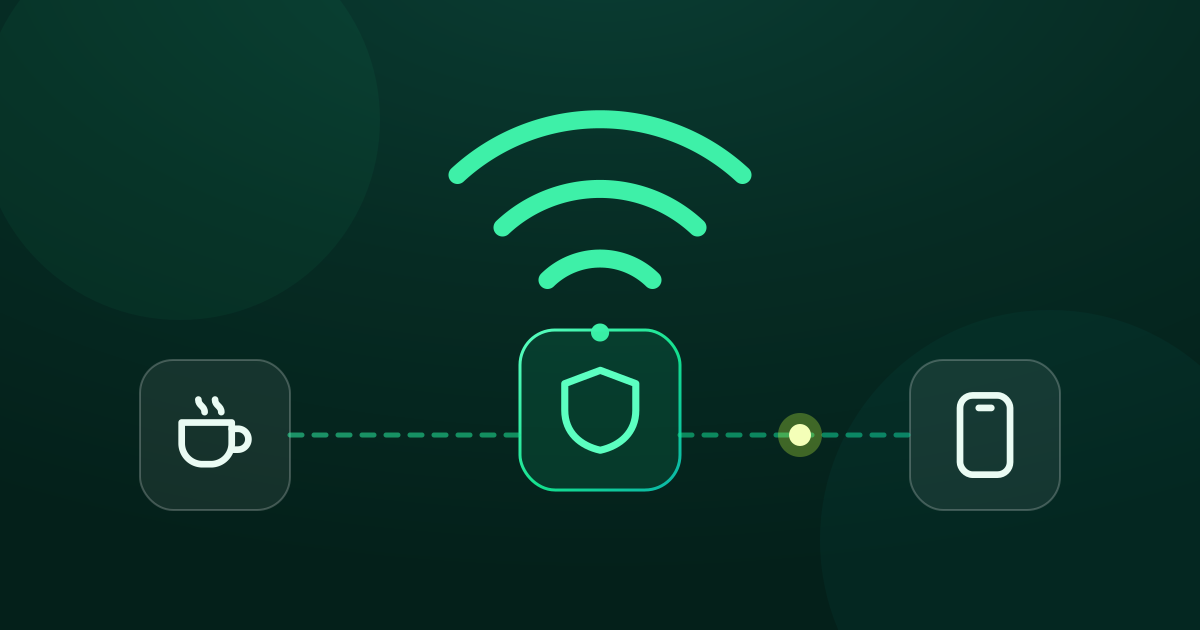
- you're on untrusted public Wi-Fi and want everything inside one tunnel.
Best of both: GreenTunnel plus a server you choose
You don't have to pick just one. GreenTunnel's Advanced section lets you send traffic through your own server:
- Proxy Route: through a SOCKS5, HTTP, HTTPS or Shadowsocks proxy (see proxy types explained),
- Tunnel Link: through your own WireGuard server, imported from a
.conffile or QR code (see importing a config).
Websites then see the IP of the server you picked. Whoever runs that server can also see your traffic, so only use servers you trust. GreenTunnel still handles encrypted DNS and your block list, and you can split traffic with rules so only some sites or apps use the server. If the server fails, the connection fails with an error instead of quietly going out directly (see no leaks when a proxy fails).
FAQ
Does GreenTunnel hide my IP?
No. By default, connections go straight from your device to the website, so the website sees your real IP. Only when you turn on Proxy Route or Tunnel Link with your own server does the website see that server's IP instead.
If there's no server, why is it called a VPN?
Because GreenTunnel uses the operating system's official VPN API to receive traffic from your apps. "Local" means all the processing happens on the device and nothing is sent anywhere else.
Will GreenTunnel slow down my connection?
Traffic takes no detour and the engine only handles the first few bytes of each connection, so most of the time you'll hardly notice a difference. Actual speed still depends on your network and device.
Can I run GreenTunnel and another VPN app at the same time?
Android and iOS allow only one VPN app to be active at a time. If you have your own proxy or WireGuard server, import it into GreenTunnel's Advanced section instead of running two apps.