What are QUIC and HTTP/3, and why does GreenTunnel block QUIC?
QUIC runs over UDP, so it can't be split like TCP. Why GreenTunnel blocks UDP/443 so browsers switch to TCP at once, and when QUIC is allowed through.
If you've ever opened your browser's developer tools, you may have noticed h3 in the "Protocol" column next to many requests. That's HTTP/3, running on QUIC. It's a big step forward for the web, and also the reason a site can open one moment and fail the next on a network with DPI filtering. This post explains what QUIC is, why GreenTunnel blocks it by default, and what that means for you.
What are QUIC and HTTP/3?
For decades the web has run on TCP: first a TCP handshake, then a TLS handshake for encryption, and only then data. QUIC folds those steps together and runs over UDP. It brings a few advantages:
- faster handshakes, especially when you return to a site you've visited,
- one lost packet doesn't hold up every other stream of data,
- a connection can survive your phone switching from Wi-Fi to mobile data.
HTTP/3 is simply HTTP over QUIC. Browsers usually open a site with HTTP/2 over TCP first, see that the server advertises HTTP/3, and try QUIC on later visits.
Why QUIC is a problem for unblocking
QUIC's first packet (the Initial packet) also carries a ClientHello with the site name (SNI). It is encrypted, but with keys anyone watching the line can work out, so a DPI filter can still read the name if it wants to.
The techniques GreenTunnel uses on every platform, like TLS record splitting and TCP splitting, rely on how TCP puts pieces back together. QUIC has no "first TCP packet" to split. Leave QUIC to go direct on a filtered network and a site might open over TCP one moment and get blocked over QUIC the next, which is baffling for users.
What GreenTunnel does: block fast, don't make you wait
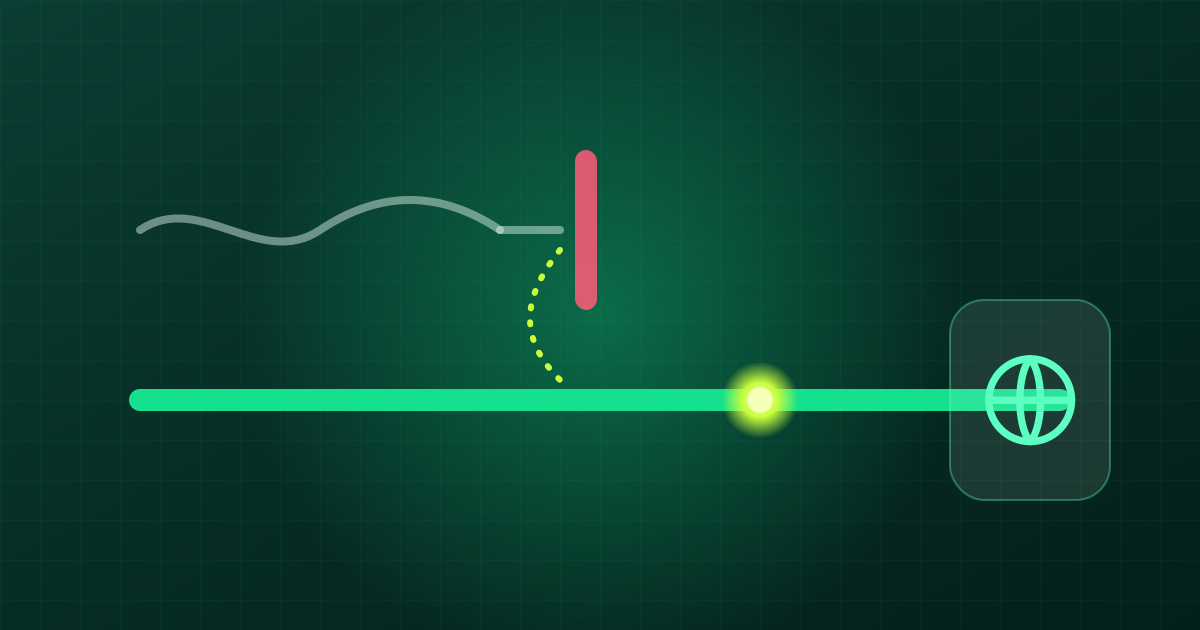
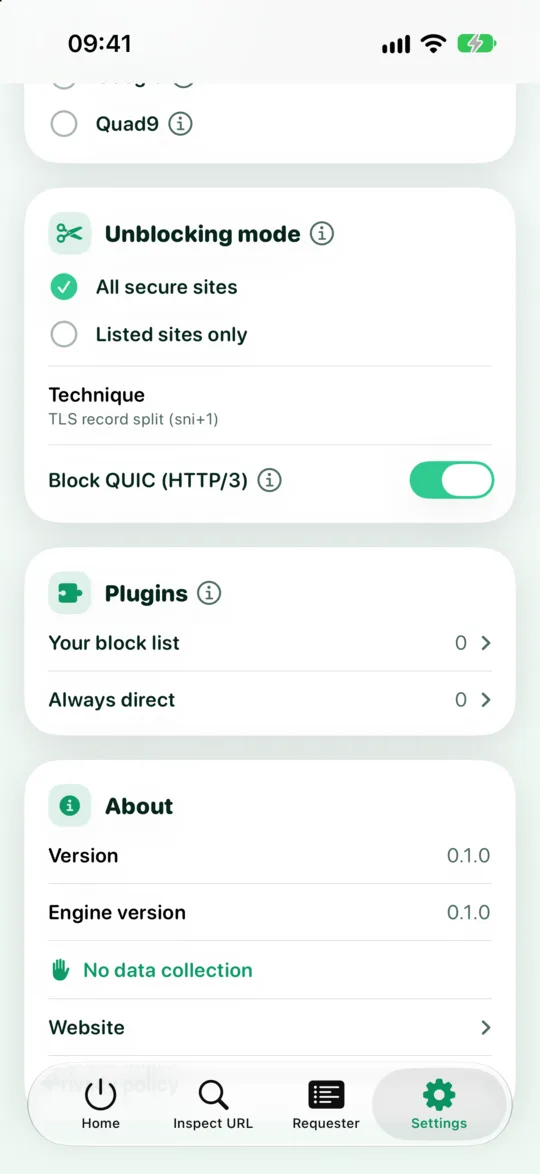
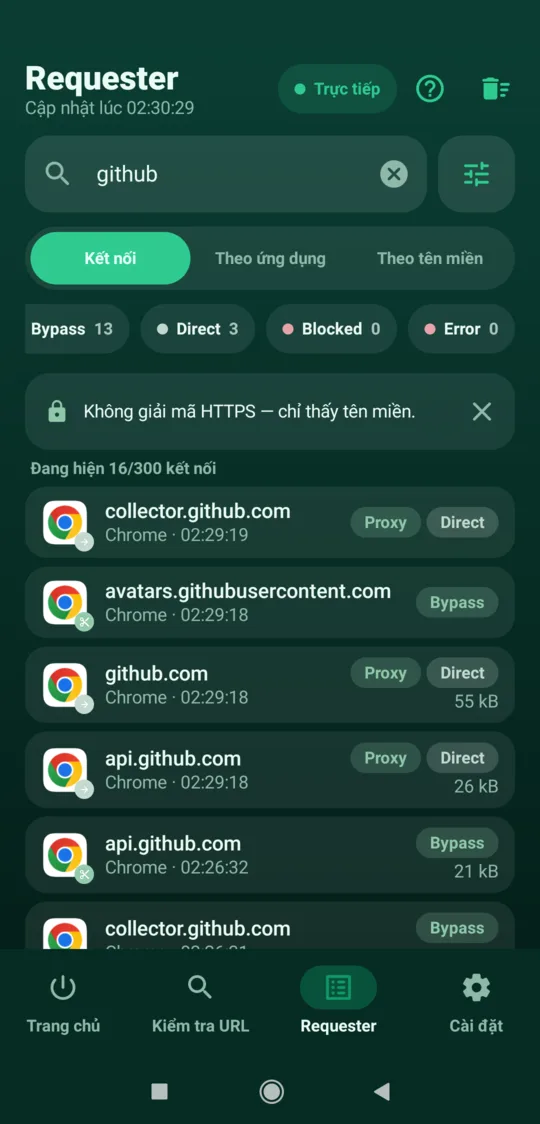
While Block QUIC (HTTP/3) is on (the default), every QUIC packet heading straight out to UDP port 443 gets an immediate ICMP "port unreachable" reply from the engine. The browser learns that QUIC won't work and switches to HTTPS over TCP, where splitting does its job.

Why reply instead of quietly dropping the packet? If QUIC packets just vanished, the browser would have to wait for a timeout before falling back to TCP, and the page would seem to hang for a while. A clear answer lets it change course almost instantly.
The option only affects UDP port 443. On a direct route, other UDP traffic, such as games and calls, flows as usual, and DNS lookups are always handled by the engine over encrypted DNS.
Does it slow things down?
Most of the time you'll hardly notice. HTTP/2 over TCP is how the web has worked for years, and every site still supports it. What you give up are QUIC's own perks: a slightly faster handshake, better tolerance of packet loss on weak mobile networks, and keeping connections alive across network changes. How much that matters depends on your network and the site, so we don't quote numbers.
If your network doesn't filter anything, or you'd rather have QUIC than bypass, you can turn the option off in Settings. QUIC then goes out directly as usual, with no extra handling.
When QUIC is allowed through
When you use Proxy Route or Tunnel Link, whether QUIC gets through depends on whether that route can carry UDP:
| Connection's route | QUIC (UDP/443) |
|---|---|
| Direct, "Block QUIC" on (default) | Blocked, the browser uses TCP |
| Direct, "Block QUIC" off | Goes out directly, no bypass |
| HTTP or HTTPS proxy | Blocked (these proxies can't carry UDP) |
| SOCKS5 without "Send UDP too" | Blocked |
| SOCKS5 with "Send UDP too" | Goes through the proxy |
| Shadowsocks (UDP on) | Goes through the server |
| WireGuard (Tunnel Link) | Goes through the tunnel |
On a route that can't carry UDP, QUIC is always blocked whatever the switch says, and so is all other UDP except DNS. Browsers and apps then use TCP through the proxy, and no UDP packet quietly slips out around it. See also proxy types explained and no leaks when a proxy fails. You can also use split routing rules to send only some sites or apps over a UDP-capable route.
FAQ
Will blocking QUIC break any apps?
Browsers and most apps fall back to TCP on their own when QUIC doesn't work, since many office networks and public Wi-Fi hotspots already block UDP. If an app only works over QUIC, turn the option off or send that app over a UDP-capable route.
Are games and video calls affected?
Not on a direct route. Only UDP port 443, the port QUIC uses for the web, is blocked there. Games and calls usually use other UDP ports and work as normal. On a proxy route that can't carry UDP (HTTP, HTTPS, or SOCKS5 without UDP), all UDP except DNS is blocked so nothing leaks around the proxy. Apps that can use TCP switch to it. For games and calls over UDP, use Shadowsocks, SOCKS5 with UDP, or WireGuard.
Why not split QUIC the way TCP is split?
Faking or splitting QUIC packets needs deep packet-level access that the phone VPN APIs don't reliably allow. Blocking QUIC so traffic falls back to TCP is simple and dependable on every platform.
How can I tell if my browser is using HTTP/3?
Open the developer tools, go to the Network tab and turn on the Protocol column. h3 means HTTP/3, and h2 means HTTP/2 over TCP. With GreenTunnel blocking QUIC, you'll see h2.