How to install GreenTunnel VPN on Linux, step by step
Install the .deb on Ubuntu, Debian or Linux Mint, or the .rpm on Fedora, check the service, turn protection on, test a site and start it at login.
This guide installs GreenTunnel VPN on Linux from the .deb or .rpm package, step by step, from the download to protection being on and a website checked. The full table of files is in Install GreenTunnel VPN on Windows and Linux.
GreenTunnel has two parts
- The
greentunnelservice runs in the background as root, managed by systemd. It creates thegreentunnelnetwork interface while protection is on, so every app on the computer is protected, not just the browser. - The GreenTunnel VPN app (GTK 4 and libadwaita) runs as your normal user and controls that service. Only the installed GreenTunnel app may control it, so you don't type a password each time you turn it on.
Step 1: Get the right package and check it
Run uname -m in a terminal: x86_64 means Intel or AMD, aarch64 means ARM64. Download the matching package from the download page:
- Ubuntu, Debian, Linux Mint:
greentunnel_0.1.2_amd64.deb(or_arm64.deb); - Fedora:
greentunnel-0.1.2-1.x86_64.rpm(or.aarch64.rpm).
Then compare its SHA-256 fingerprint with SHA256SUMS. It must match exactly:
cd ~/Downloads
sha256sum greentunnel_0.1.2_amd64.deb
Step 2: Install the package
Ubuntu, Debian, Linux Mint
cd ~/Downloads
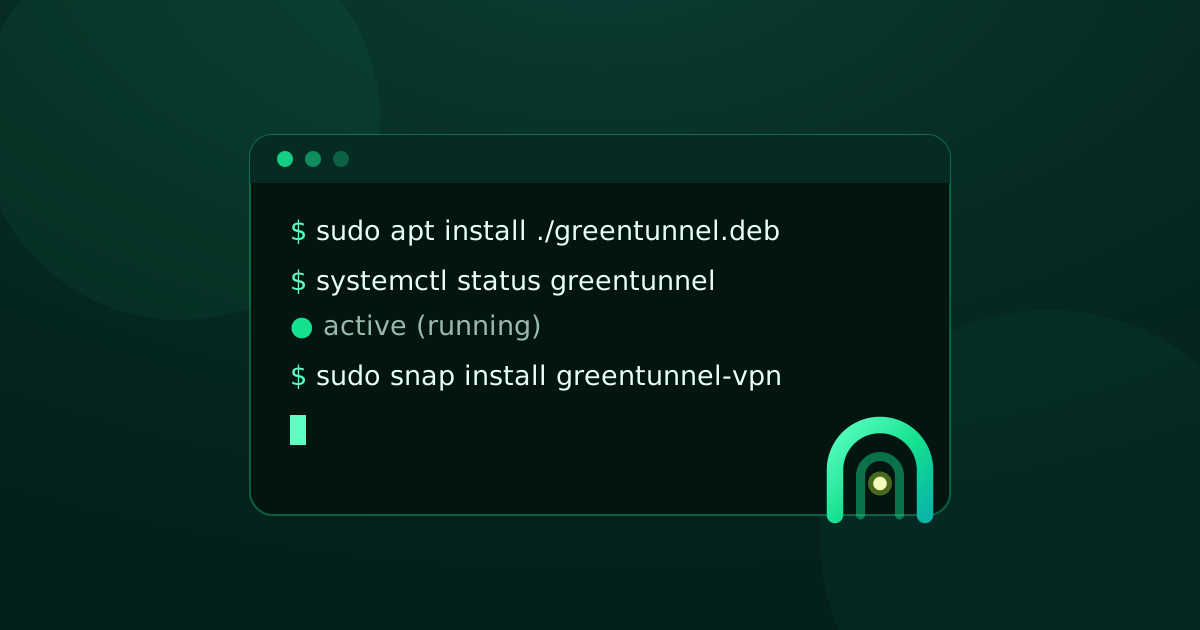
sudo apt install ./greentunnel_0.1.2_amd64.deb
Keep the ./ before the file name, so apt installs this file instead of looking in the repositories. apt also installs any missing GTK libraries.
Fedora
cd ~/Downloads
sudo dnf install ./greentunnel-0.1.2-1.x86_64.rpm
Step 3: Check the service
The package starts the service for you. To make sure, run:
systemctl status greentunnelThe Active line should say active (running). The service runs, but protection stays off until you turn it on in the app.
Step 4: Open the app and turn protection on
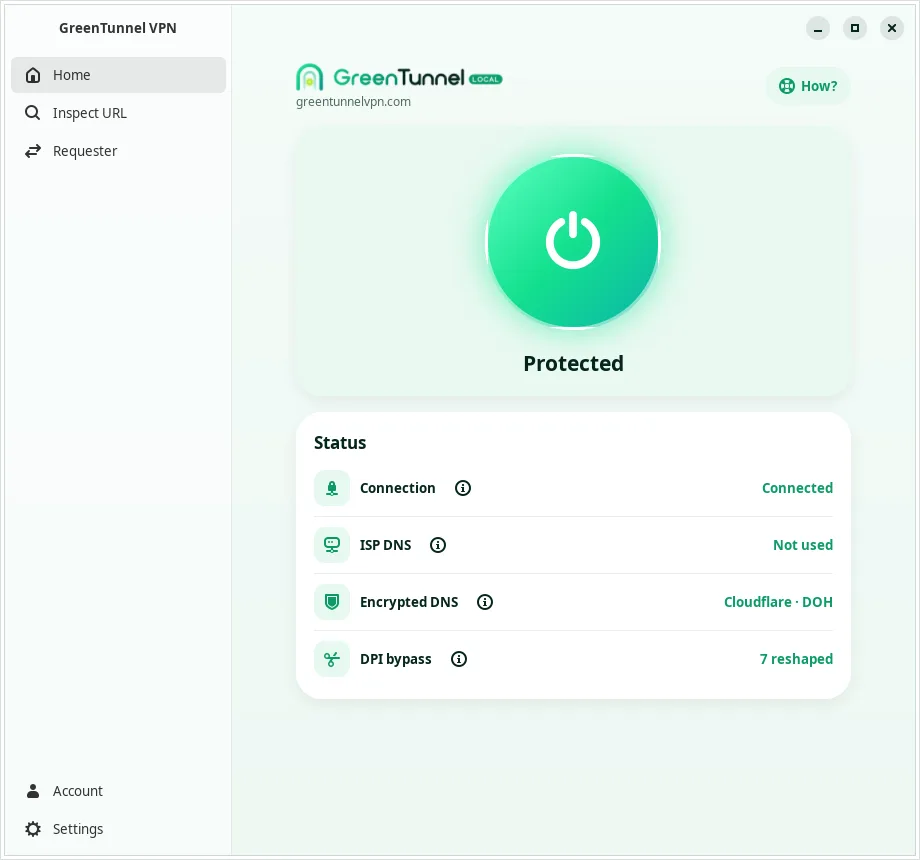
Open GreenTunnel VPN from the app menu and click the big power button on Home. A few seconds later it turns green and says Protected. The Status card shows what is happening, from real measurements:
- Connection: every app on the computer goes through GreenTunnel.
- ISP DNS: not used any more, so your operator can't read or change your domain lookups.
- Encrypted DNS: the server answering right now, for example Cloudflare over DoH.
- DPI bypass: how many connections were reshaped to get past filters.
The How? button at the top explains, with diagrams, how GreenTunnel works.
Step 5: Check a website
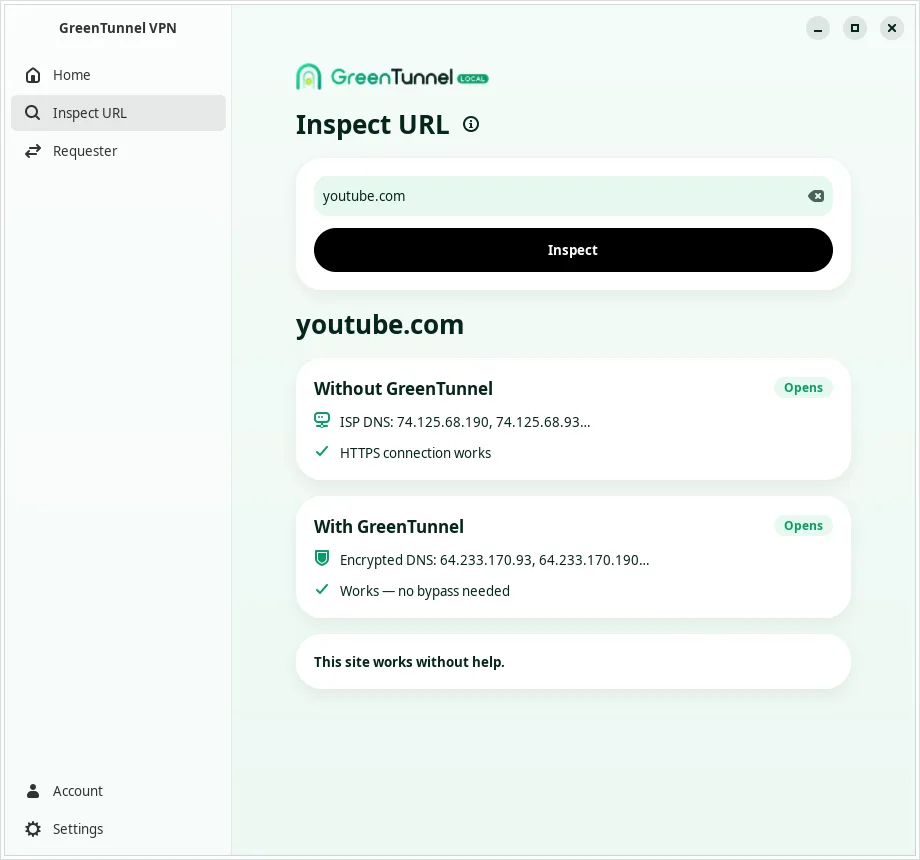
Open Inspect URL, type a site and click Inspect. GreenTunnel tries it twice, without and with GreenTunnel, and tells you how it is blocked and whether GreenTunnel helps.
See which apps connect
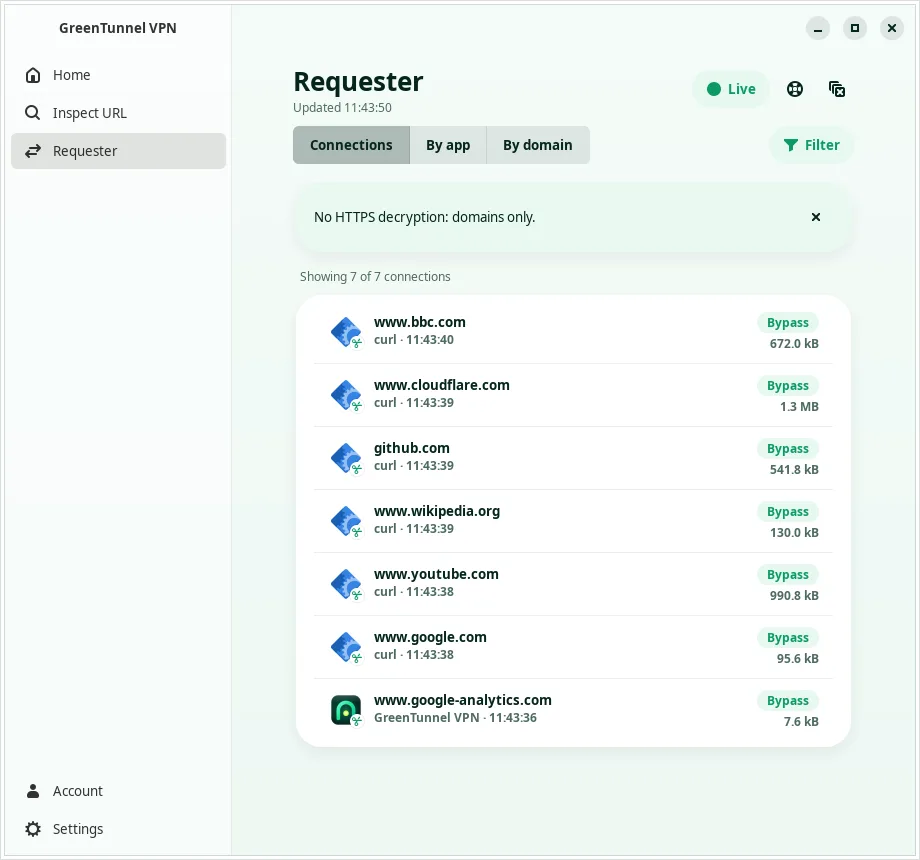
Requester lists recent connections live: the domain, the program that opened it, and what GreenTunnel did with it (Bypass means reshaped to get past filters, Direct means sent as is). Domains only, never content, and the list stays on your computer.
Start GreenTunnel when you log in
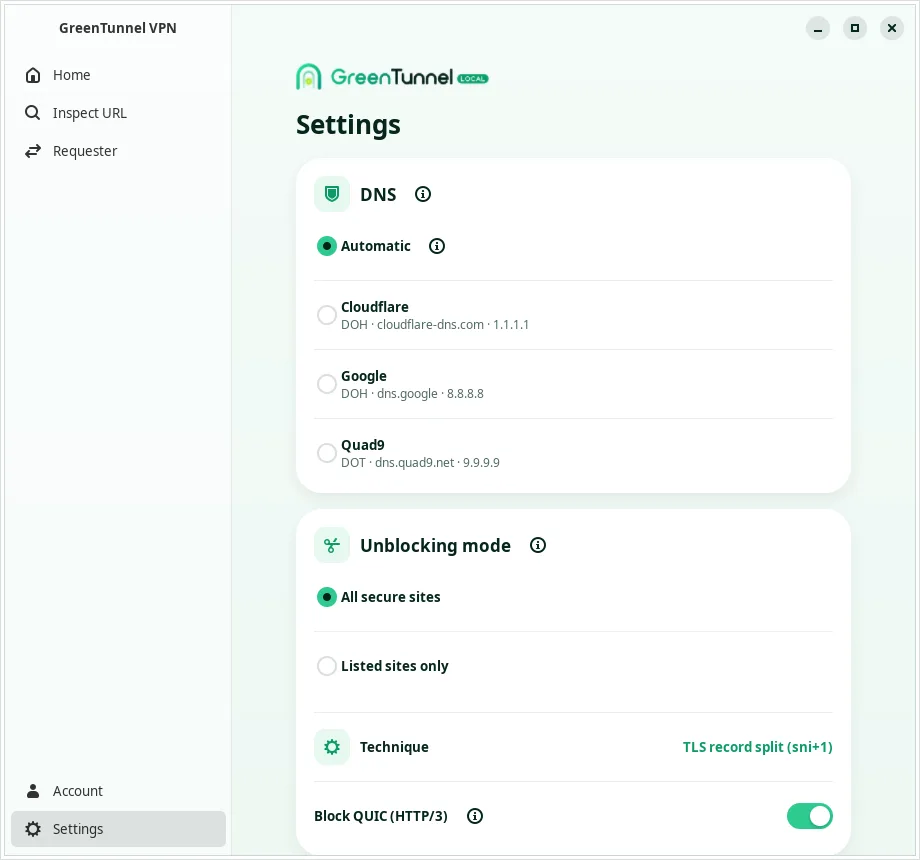
In Settings, the Automation section has two switches. Both stay off until you turn them on:
- Turn on protection at startup: when the computer starts, the service turns protection on, even before you log in.
- Open at login: GreenTunnel only shows its icon in the system tray, without a window.
The tray works out of the box on KDE Plasma, Cinnamon, XFCE and most other desktops. GNOME (the default on Ubuntu and Fedora) needs the AppIndicator extension: Ubuntu ships it, and on Fedora you install gnome-shell-extension-appindicator. Without a tray, the app still works normally.
An account is optional
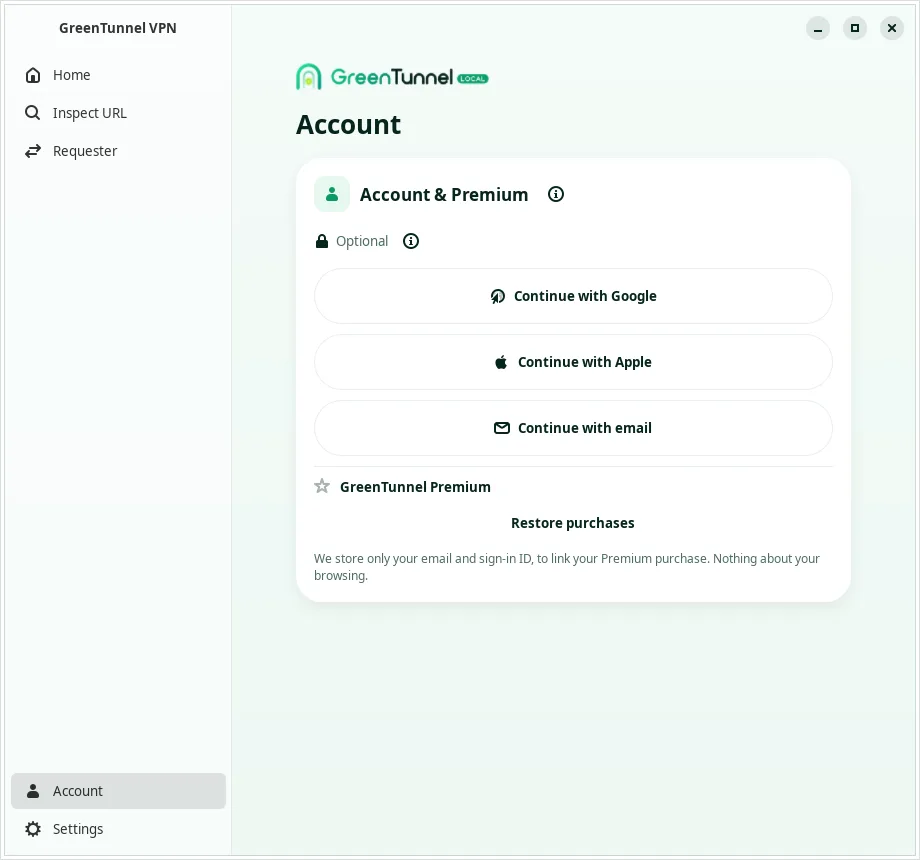
Every free feature works without signing in. Account only keeps Premium on all your devices. Signing in opens greentunnelvpn.com in your browser (Google, Apple or email) and then hands you back to the app.
Updating and uninstalling
- Update: the .deb and .rpm packages don't update themselves. When a new version is out, download it and install it over the old one exactly as in step 2. Your settings are kept, and if protection was on it comes back on after the update.
- Uninstall:
sudo apt remove greentunnelorsudo dnf remove greentunnel. The network interface and routing rules are removed with it. To delete your settings too:sudo apt purge greentunnel, or on Fedora remove/var/lib/greentunnel.
If something gets in the way
- The app says it can't reach the service: run
sudo systemctl restart greentunnel. The log is injournalctl -u greentunnel. Read it before sending it to us, because it may contain the names of sites that failed to connect. - Another VPN is running: turn it off first. To go through your own server, use Tunnel Link or Proxy Route in GreenTunnel on your phone.
- A site is still blocked: see what to do when a site is still blocked.
FAQ
Why does GreenTunnel need a service that runs as root?
Creating a network interface and routing the whole computer's traffic needs root. That part lives in a small service managed by systemd; the app you click runs as your normal user.
Do I need an account to use GreenTunnel on Linux?
No. Protection, encrypted DNS, the bypass, Inspect URL and Requester all work without signing in.
Does GreenTunnel hide my IP address?
No. GreenTunnel runs on your computer, encrypts DNS and reshapes packets to get past filters, then connects straight to the site, so websites still see your IP address.